

Web Hosting
cPanel, FTP, PHP, and shared hosting.
-
 Installing WordPress
Install WordPress on your hosting with our one-click installer or manual setup. Step-by-step guide for cPanel and Softaculous. Get your site live quickly.
Installing WordPress
Install WordPress on your hosting with our one-click installer or manual setup. Step-by-step guide for cPanel and Softaculous. Get your site live quickly.
-
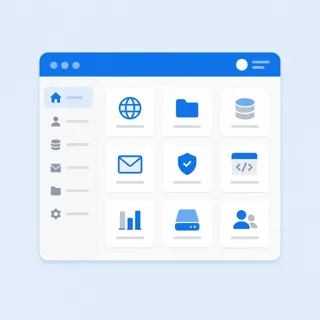 Using cPanel basics
Get started with cPanel: files, email, databases, and common tasks. Log in, find key sections, and use File Manager. Quick guide for iHoster24 hosting.
Using cPanel basics
Get started with cPanel: files, email, databases, and common tasks. Log in, find key sections, and use File Manager. Quick guide for iHoster24 hosting.
-
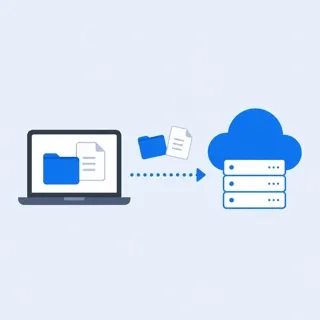 How to upload files via FTP
Connect with an FTP client and upload files to your hosting account. Step-by-step FTP setup and upload. iHoster24 web hosting guide. Quick answers.
How to upload files via FTP
Connect with an FTP client and upload files to your hosting account. Step-by-step FTP setup and upload. iHoster24 web hosting guide. Quick answers.
-
 How to create and restore backups
Create backups in cPanel and restore files or databases when needed. How to back up and restore your site. iHoster24 step-by-step guide. Quick answers.
How to create and restore backups
Create backups in cPanel and restore files or databases when needed. How to back up and restore your site. iHoster24 step-by-step guide. Quick answers.
-
 How to change PHP version
Switch your account or site to a different PHP version in cPanel. Step-by-step guide to change PHP version. iHoster24 web hosting guide. Quick answers.
How to change PHP version
Switch your account or site to a different PHP version in cPanel. Step-by-step guide to change PHP version. iHoster24 web hosting guide. Quick answers.
-
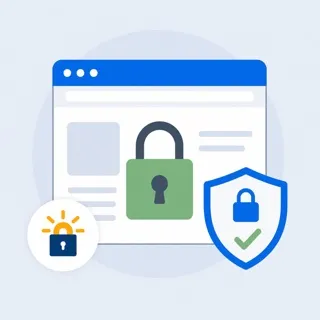 How to enable SSL (Let's Encrypt)
Install a free Let's Encrypt SSL certificate in cPanel so your site uses HTTPS. Step-by-step SSL setup. iHoster24 web hosting guide. Quick answers.
How to enable SSL (Let's Encrypt)
Install a free Let's Encrypt SSL certificate in cPanel so your site uses HTTPS. Step-by-step SSL setup. iHoster24 web hosting guide. Quick answers.
-
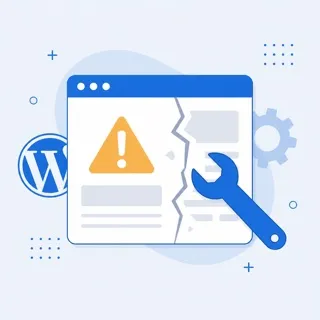 How to fix common WordPress errors
Fix white screen, 500 error, database connection, and other common WordPress issues. Step-by-step troubleshooting. iHoster24 hosting guide. Quick answers.
How to fix common WordPress errors
Fix white screen, 500 error, database connection, and other common WordPress issues. Step-by-step troubleshooting. iHoster24 hosting guide. Quick answers.
-
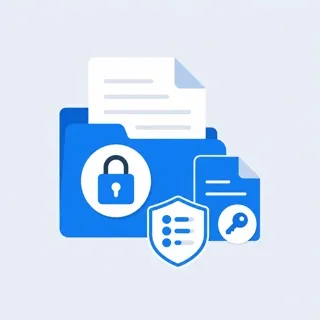 File permissions explained
What 644, 755, and other permission numbers mean and when to use them. File and folder permissions explained. iHoster24 web hosting guide. Quick answers.
File permissions explained
What 644, 755, and other permission numbers mean and when to use them. File and folder permissions explained. iHoster24 web hosting guide. Quick answers.