What this solves
You see “permission denied” or need to set 644 / 755 on files and folders.
Numbers explained
Permissions are read (r), write (w), execute (x). Owner, group, and others each use 4=read, 2=write, 1=execute. So 644 = owner rw, group/others r (typical files). 755 = owner rwx, group/others rx (directories).
Common settings
Files: 644. Directories: 755. wp-config.php: 640 or 600. Uploads folder: 755. Avoid 777.
How to change in cPanel
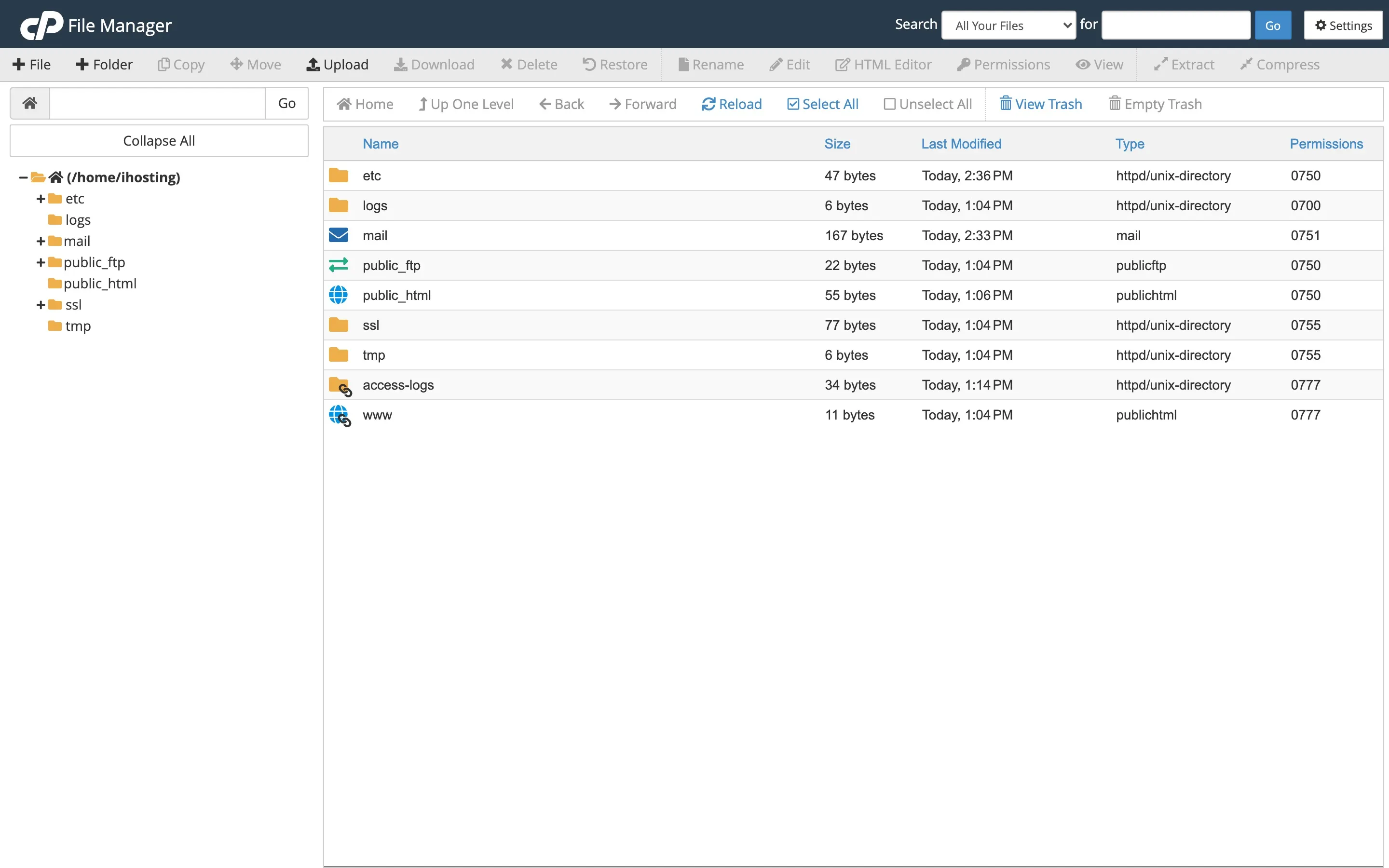
Client Area → your hosting → Log in to cPanel → File Manager. Select the file/folder → Permissions (or right-click → Change Permissions). Set the checkboxes / mode and save.
Via SSH: chmod 644 file or chmod 755 folder.
Warning: Don’t set 777; it’s insecure. Wrong permissions can cause 403 errors.
When to contact support
If you’re unsure or get errors after changing permissions, open a ticket.
Was this helpful?
Thanks for your feedback!