What this solves
Your WordPress site shows a white screen, 500 error, or “Error establishing a database connection.”
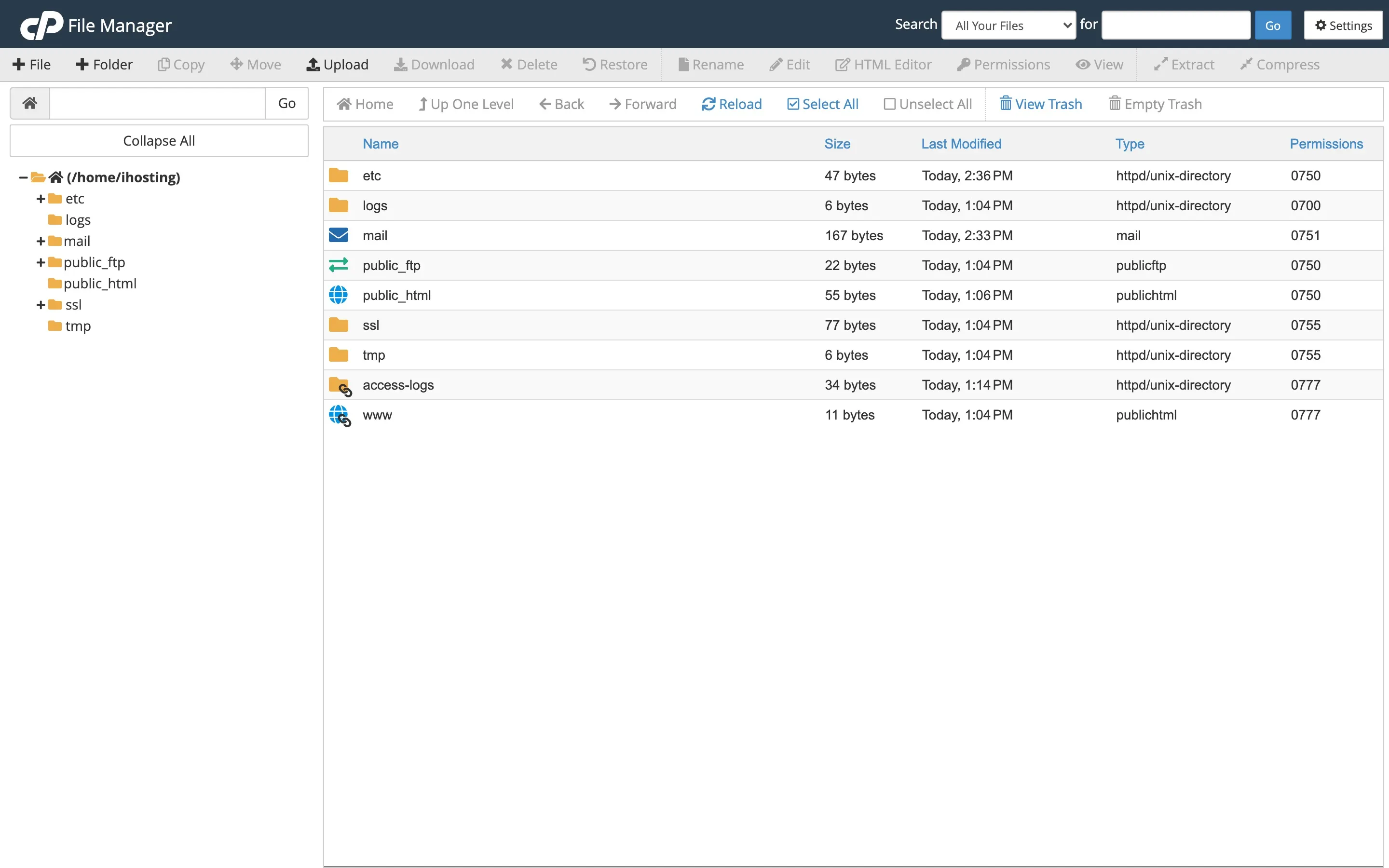
Open File Manager
Log in to the Client Area → your hosting → Log in to cPanel → File Manager. Work inside public_html (or your WordPress folder). Back up first — see How to create and restore backups.
White screen of death
Rename the plugins folder (e.g. to plugins-off) to disable all plugins. If the site returns, rename back and reactivate plugins one by one. Same idea for a broken theme: rename the active theme folder.
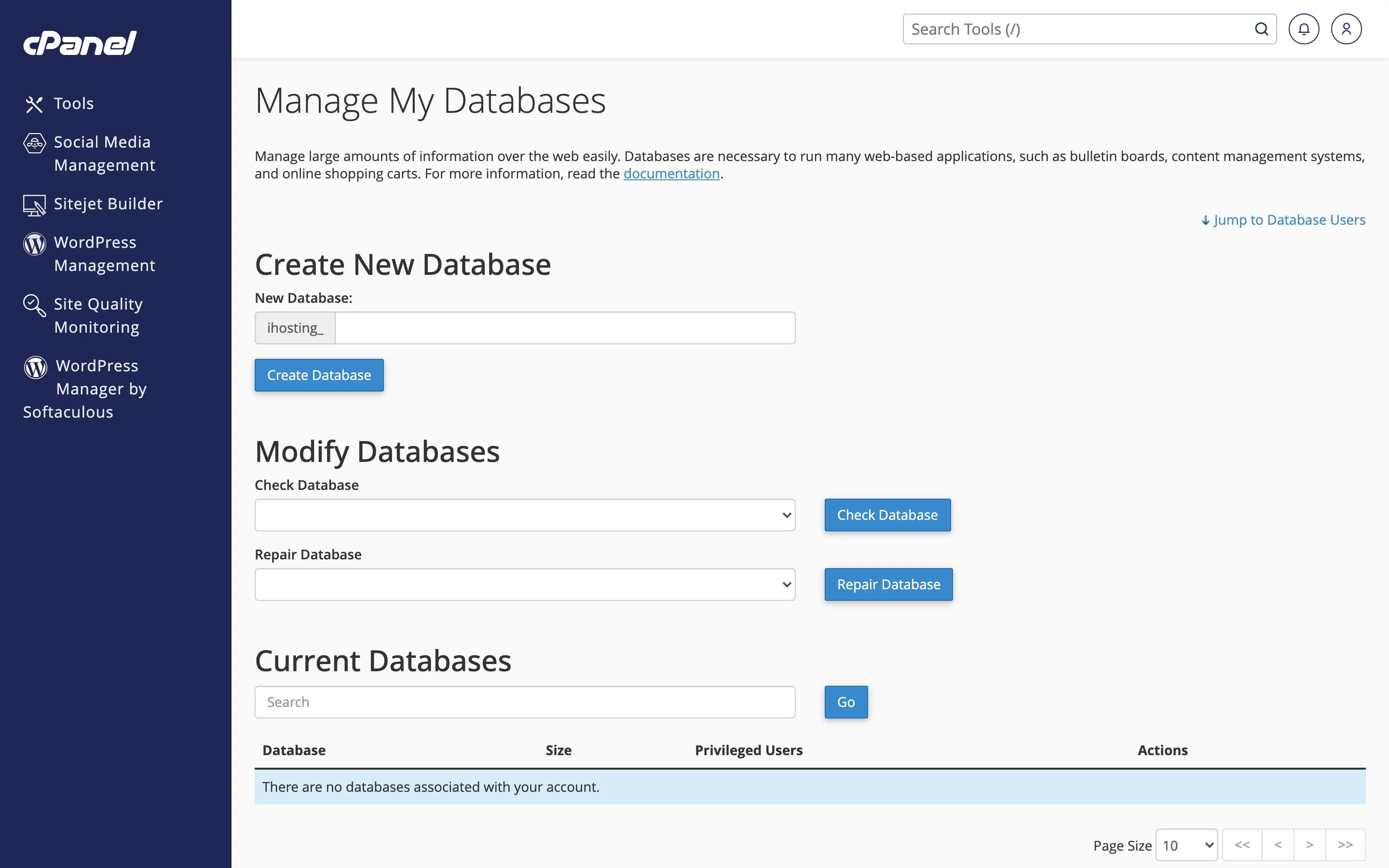
Database connection error
Check wp-config.php: DB_NAME, DB_USER, DB_PASSWORD, DB_HOST must match MySQL® Databases in cPanel. Reset the DB password there if needed and update wp-config.php.
500 error
Rename .htaccess to .htaccess.bak and retest. Also check PHP version and see 403 / 404 / 500 errors.
When to contact support
If the error persists, open a ticket with the exact message.
Was this helpful?
Thanks for your feedback!