What this solves
The Client Area at clientarea.ihoster24.com is where you manage products, invoices, tickets, and account security.
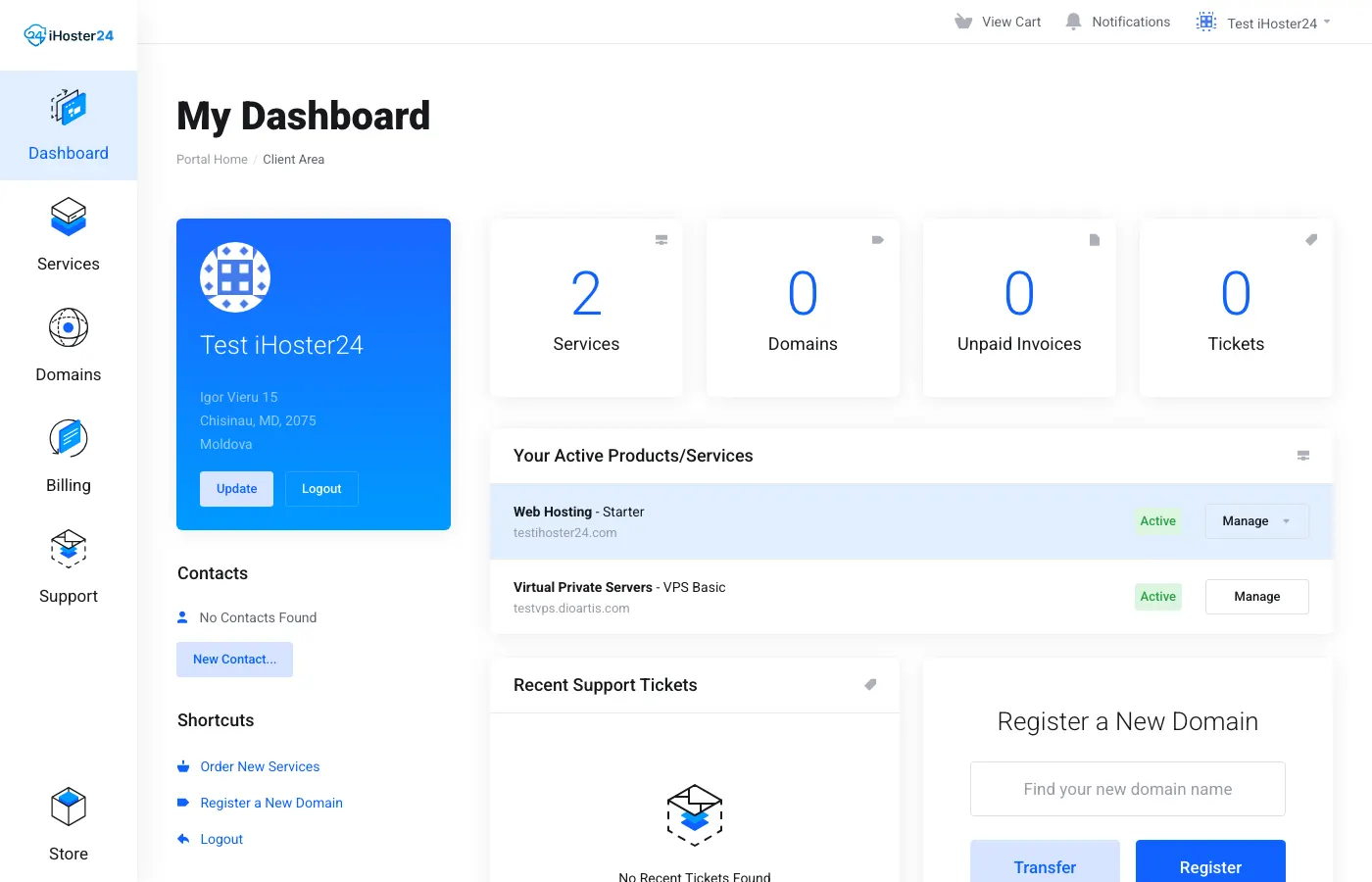
Top navigation
- Dashboard / Portal Home — summary of services, invoices, and tickets
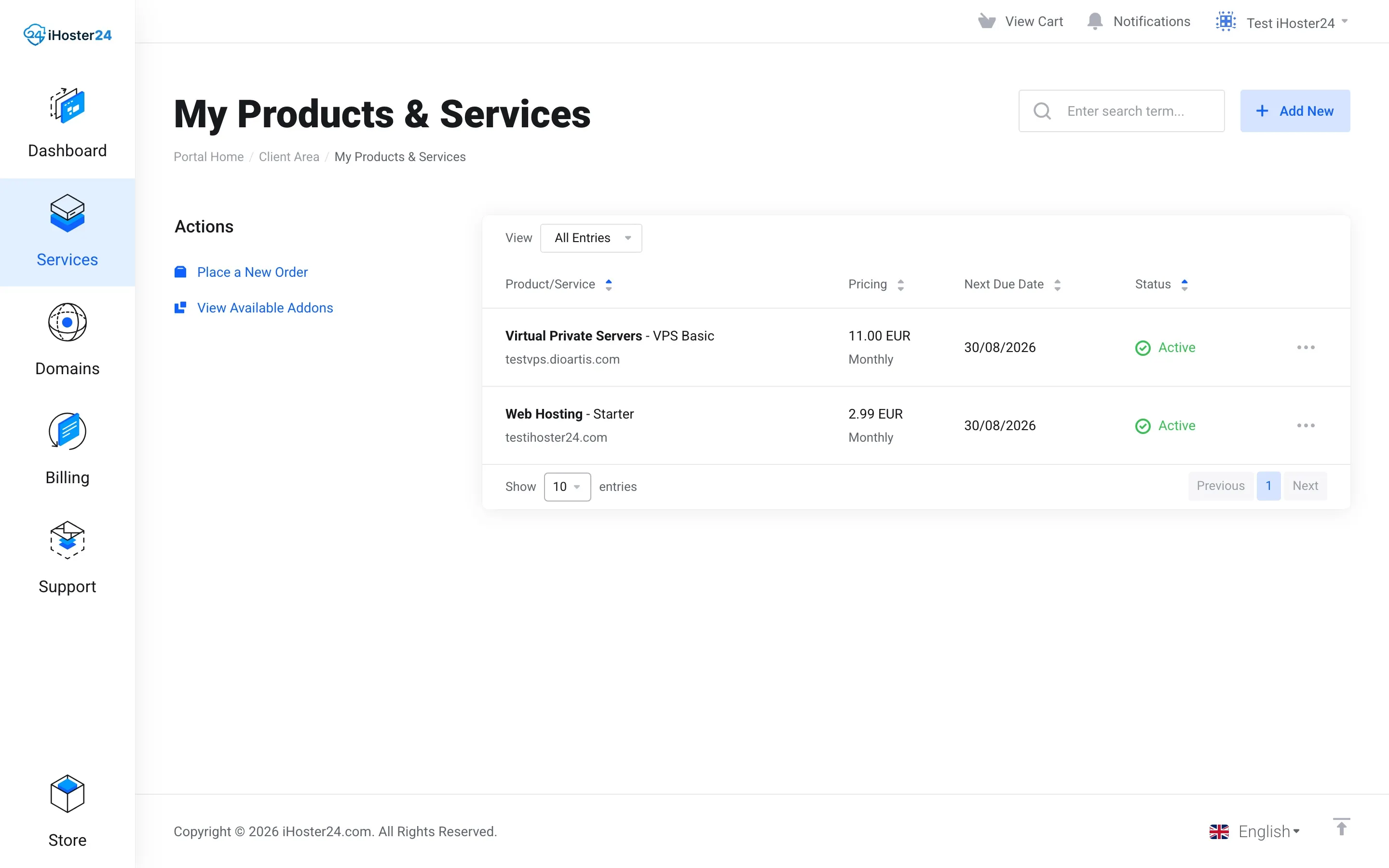
- Services → My Products & Services — every hosting, VPS, and domain product
- Domains — domain list and renewals
- Billing → My Invoices, My Quotes, Add Funds
- Support — open and reply to tickets
- Store — order new products
Your account menu
Open the menu under your name (top right). Use:
- Account Details — name, email, address, phone
- Account Security — two-factor authentication
- Change Password — Client Area login password
- User Management / Contacts — extra users and billing contacts
See Managing account settings and Two-factor authentication.
Opening a product
Services → My Products & Services → click the product name.
- Web hosting — left Actions includes Log in to cPanel, Change Password (cPanel), Upgrade/Downgrade, Request Cancellation. See Using cPanel basics.
- VPS — Actions (power, Change Password, Reverse DNS) and Virtualizor Enduser Panel. See Managing your VPS in Client Area.
Billing at a glance
Each product page shows Next Due Date, Billing Cycle, Recurring Amount, and Payment Method. Pay open invoices under Billing → My Invoices — Understanding invoices and due dates.
Tip: Bookmark
https://clientarea.ihoster24.com/ and enable 2FA before you need it.Related
Understanding your Client Area dashboard · What happens after you place an order
Was this helpful?
Thanks for your feedback!