
What this solves
You’ve just ordered. Here’s what happens next so you know when to expect access and what to do.
Payment & provisioning
After you submit the order, payment is processed and you get a confirmation email. Shared hosting is usually provisioned within minutes; VPS may take a bit longer.
Access the Client Area first
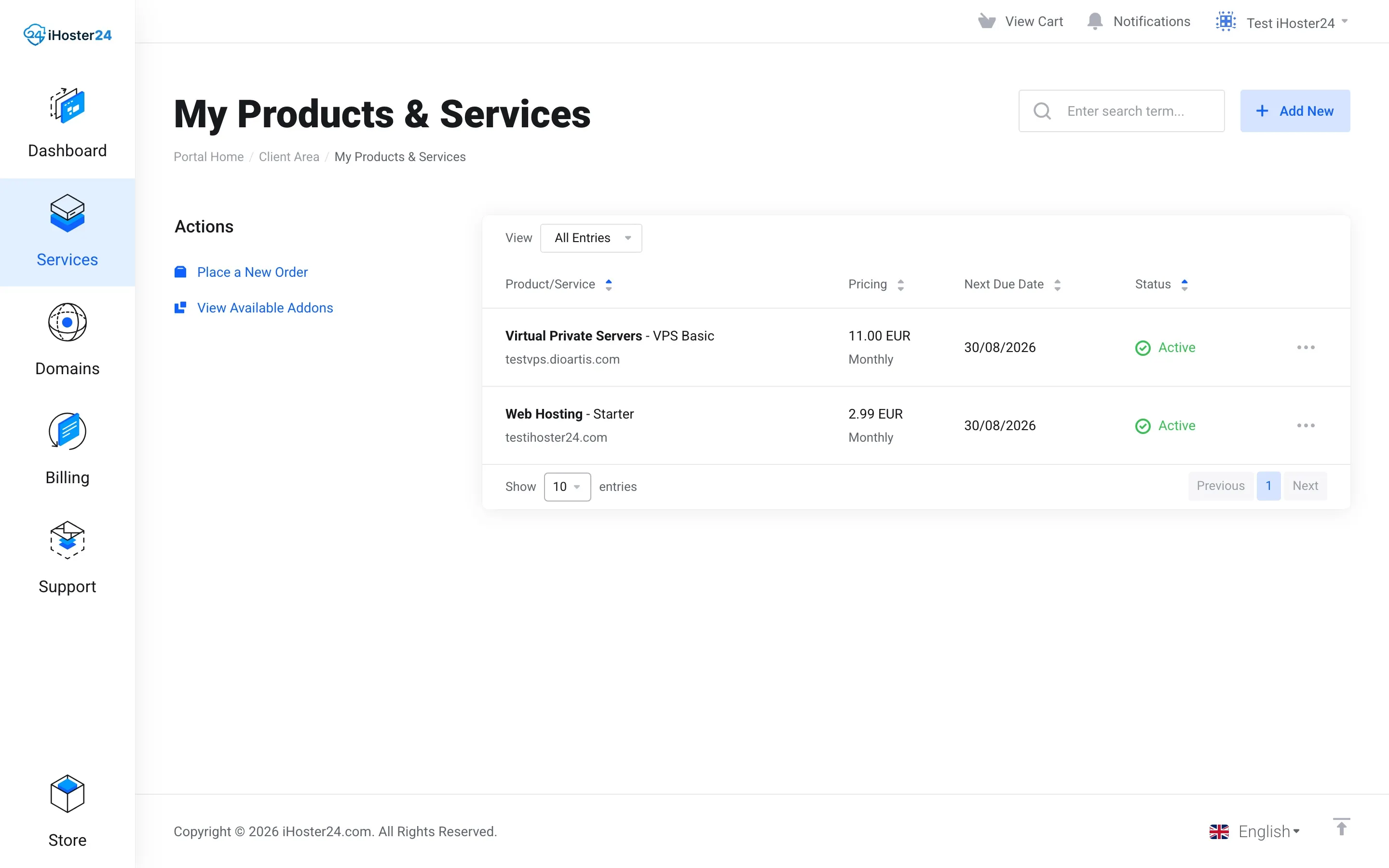
Log in at clientarea.ihoster24.com → Services → My Products & Services. Open your new service. For web hosting, use Log in to cPanel (single sign-on). The welcome email has backup credentials if SSO fails.
Next steps
- Point nameservers if the domain is elsewhere
- Enable SSL
- Install WordPress or upload files via FTP
- For VPS: follow First steps after VPS delivery
Tip: Add our emails to your contacts so welcome and renewal notices don’t go to spam.
When to contact support
If the service doesn’t appear within a few hours or you can’t log in, open a ticket with your order number.
Was this helpful?
Thanks for your feedback!