What this solves
The Client Area at clientarea.ihoster24.com is where you manage services, invoices, and support tickets. For a full nav map, see Client Area overview.
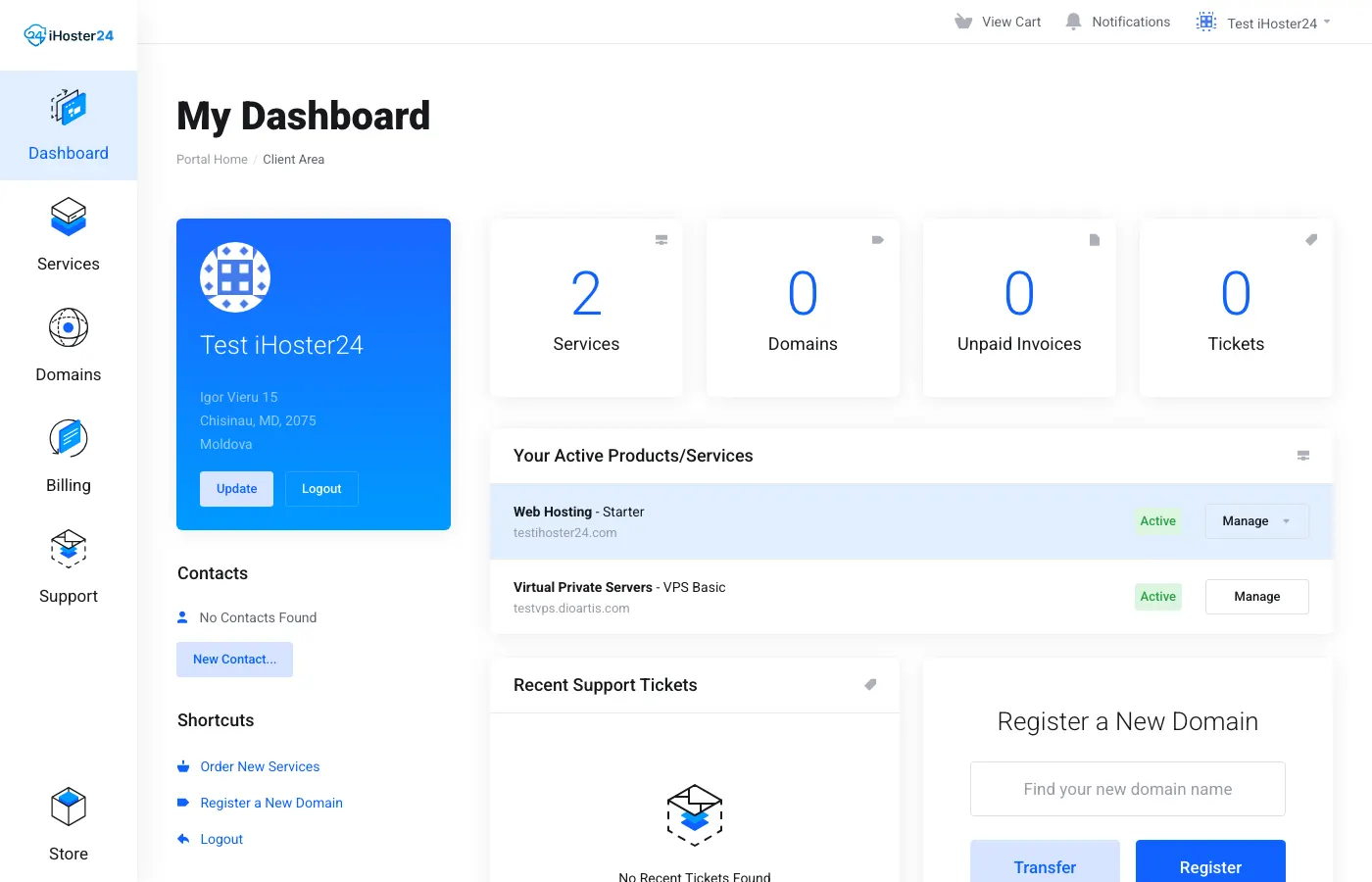
Dashboard
After login you see a summary of active services, recent invoices, and open tickets.
Services
Go to Services → My Products & Services. Open a service for details, renewal date, and login links such as Log in to cPanel (hosting) or Virtualizor Enduser Panel (VPS). See also Using cPanel basics and Managing your VPS.
Billing
Billing → My Invoices (also Quotes and Add Funds). Pay invoices and download PDFs — Understanding invoices and due dates. Each product also shows Next Due Date and Payment Method on its product page.
Support
Open or reply to tickets under Support. For account security, enable 2FA from Account Security.
https://clientarea.ihoster24.com/ and keep your login secure.Was this helpful?
Thanks for your feedback!