What this solves
2FA adds a second step (a code from your phone) when logging in to the Client Area.
Enable 2FA
- Log in at clientarea.ihoster24.com
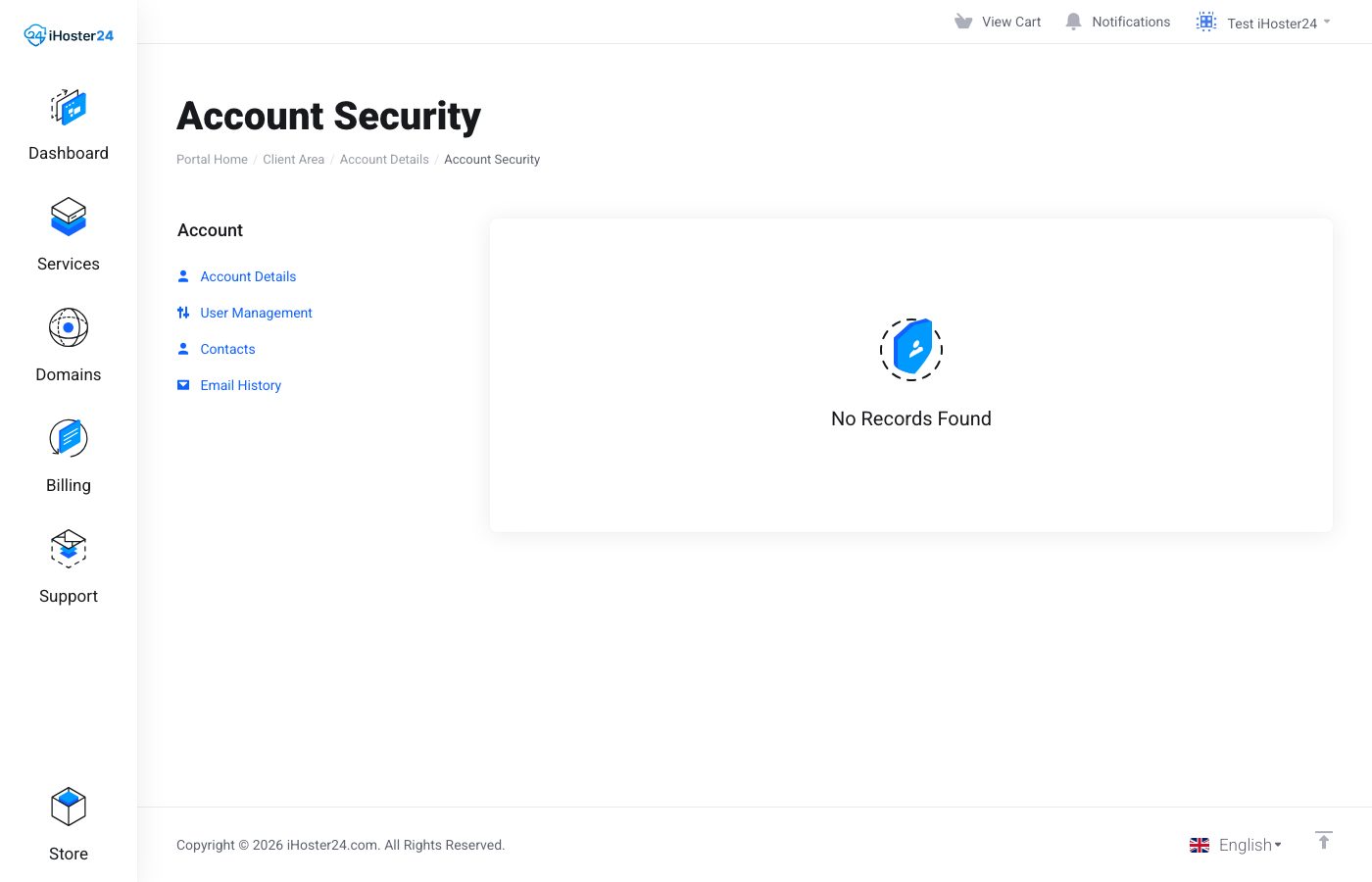
- Open the menu under your name → Account Security
- Under Two-Factor Authentication, start setup
- Scan the QR code with Google Authenticator, Authy, 1Password, or another TOTP app (or enter the key manually)
- Confirm with the current 6-digit code and save any backup codes offline
Logging in with 2FA
After email and password, enter the current code from the authenticator app.
If you lose access
Use a backup code first. If you have none left, open a Support ticket from an alternate email with proof of account ownership so we can disable 2FA.
Warning: Don’t lose your backup codes. Pair 2FA with a strong unique password — Password best practices.
When to contact support
If you can’t log in and don’t have backup codes, open a ticket from an alternative email.
Was this helpful?
Thanks for your feedback!