What this solves
You need to update contact details, the Client Area login password, or security settings.
Account Details
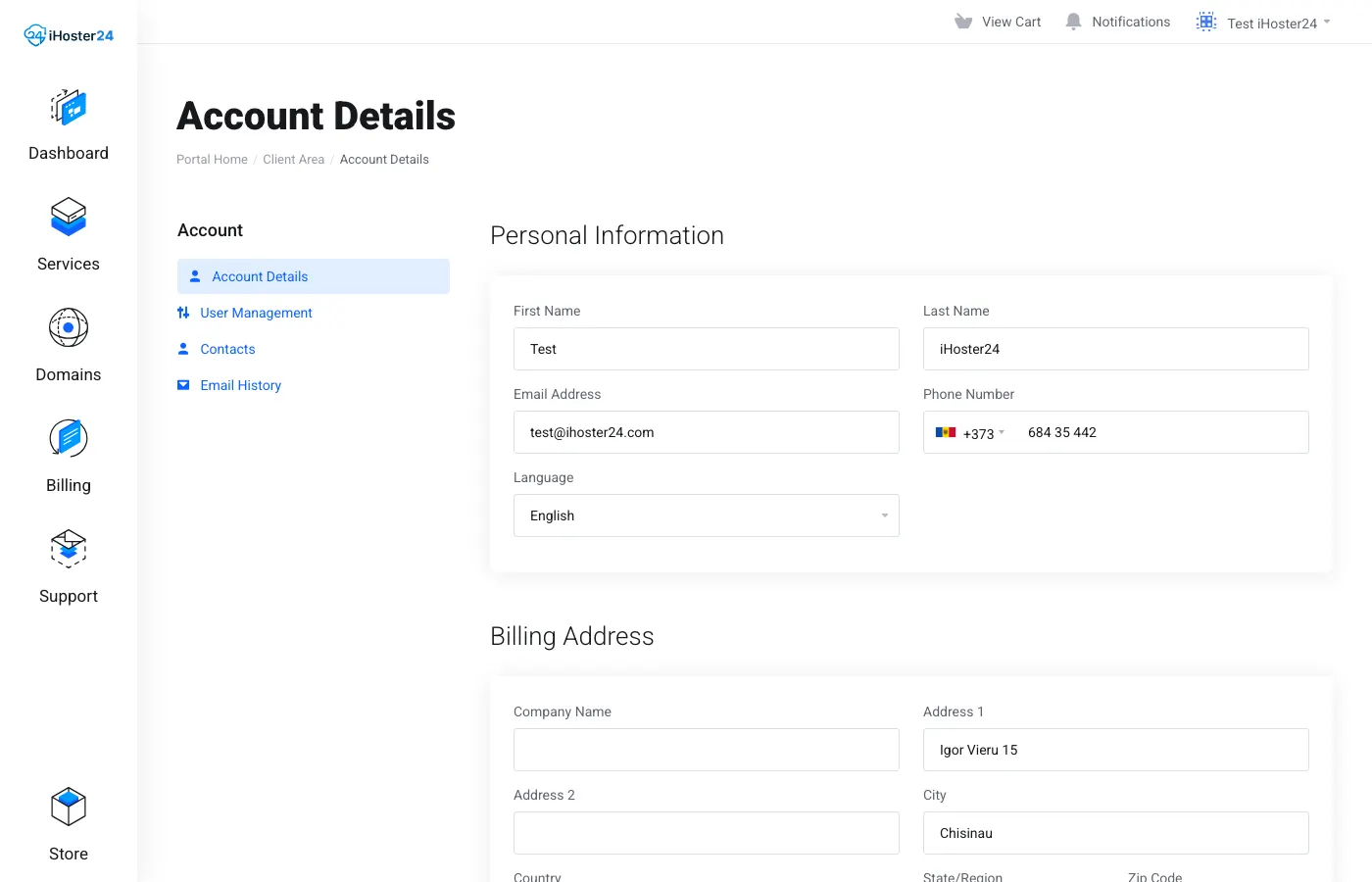
Log in at clientarea.ihoster24.com → open the menu under your name → Account Details. Update name, email, address, and phone, then save. The account email is used for login and invoice notices.
Change Password (Client Area login)
Account menu → Change Password (URL path /index.php/user/password). Enter your current password, then the new password twice.
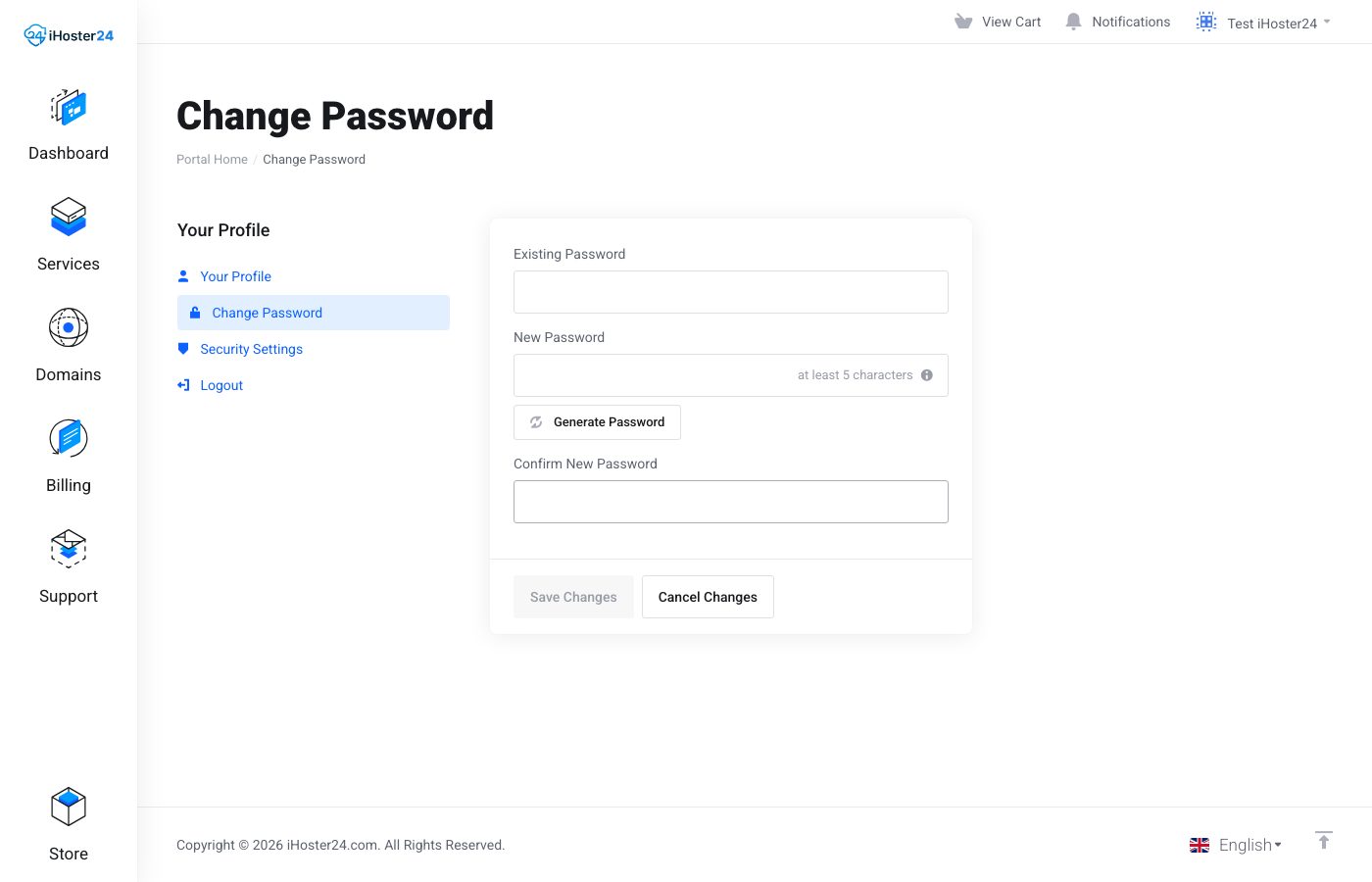
Note: This changes only the Client Area login. cPanel passwords are under the hosting product Actions (or in cPanel). VPS root passwords are under the VPS Actions → Change Password — see How to change root password.
Account Security
Account menu → Account Security to enable two-factor authentication (2FA).
Use a strong unique password — Password best practices.
Tip: Changing the account email may require clicking a verification link we send.
When to contact support
If you can’t change the email or you’re locked out of the account, open a Support ticket from another address with proof of ownership.
Was this helpful?
Thanks for your feedback!