What this solves
You need a new cPanel account for one of your clients under your iHoster24 reseller plan.
Before you start
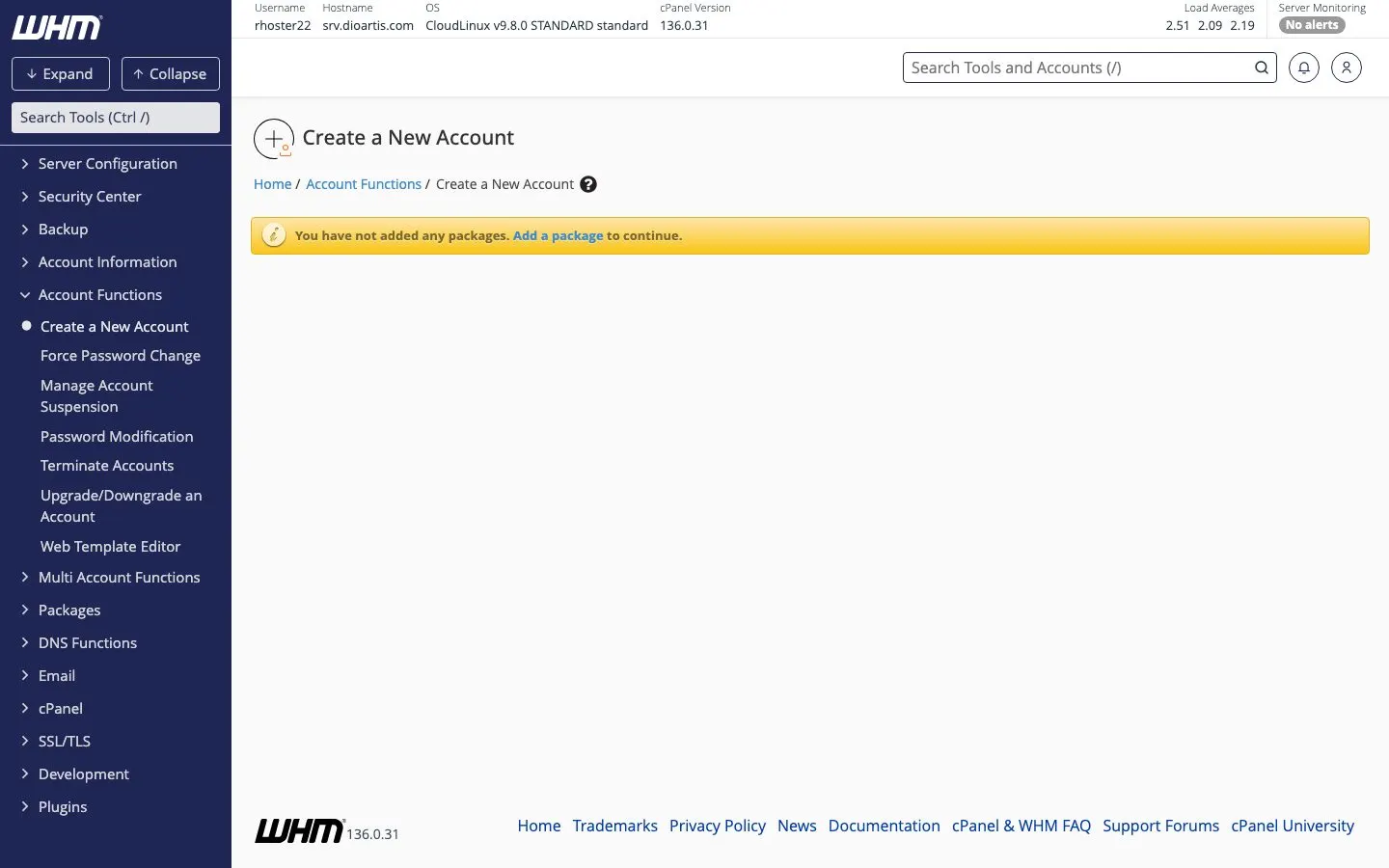
- Have a package ready — Creating hosting packages
- Choose a domain and a short username (letters/numbers only; no hyphens)
- Use a strong unique password
Create a New Account
- Client Area → Reseller service → Log in to WHM
- Open Account Functions → Create a New Account
- Enter domain, username, password, and contact email
- Select the package
- Create the account and wait for the success confirmation
List and manage accounts
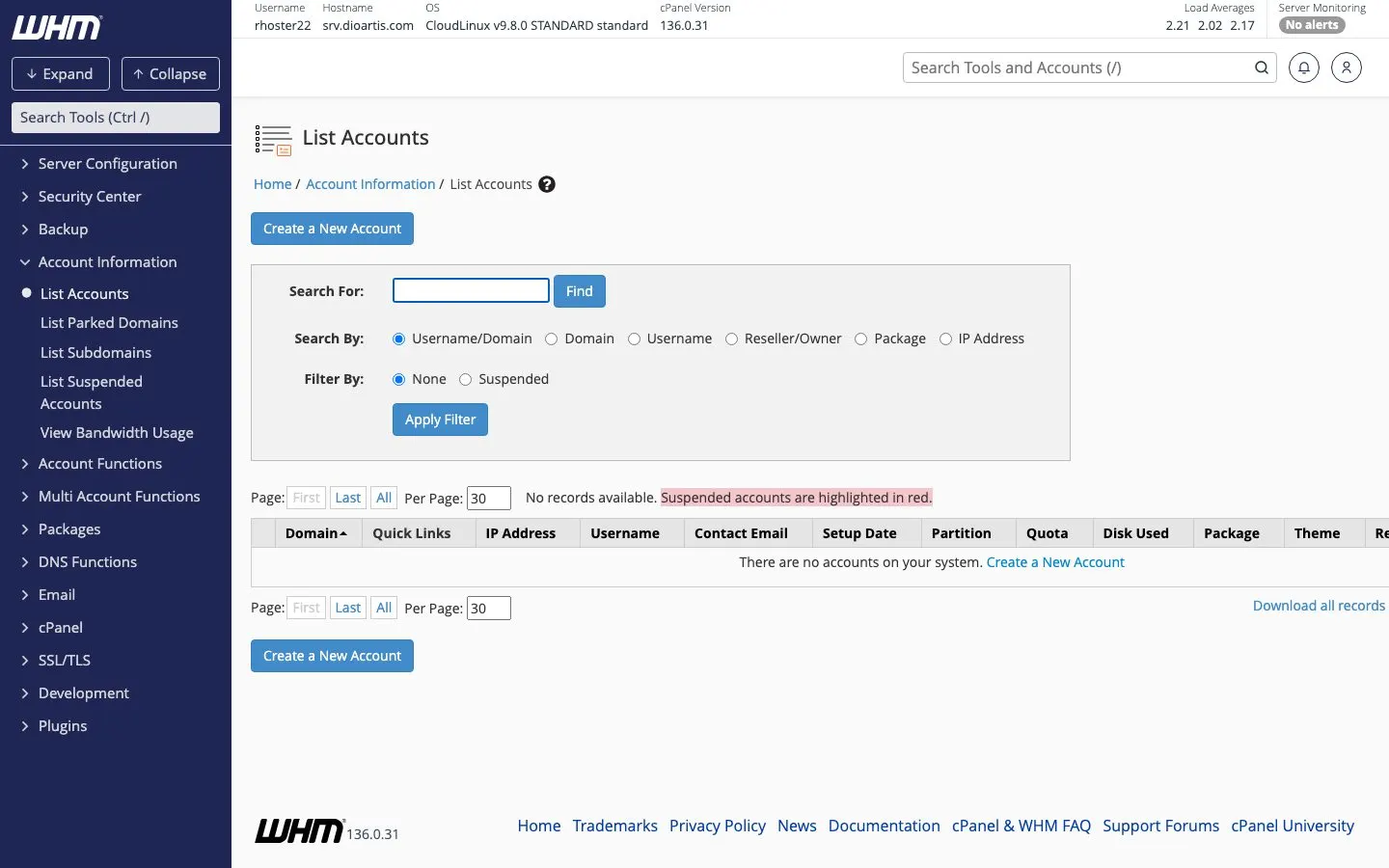
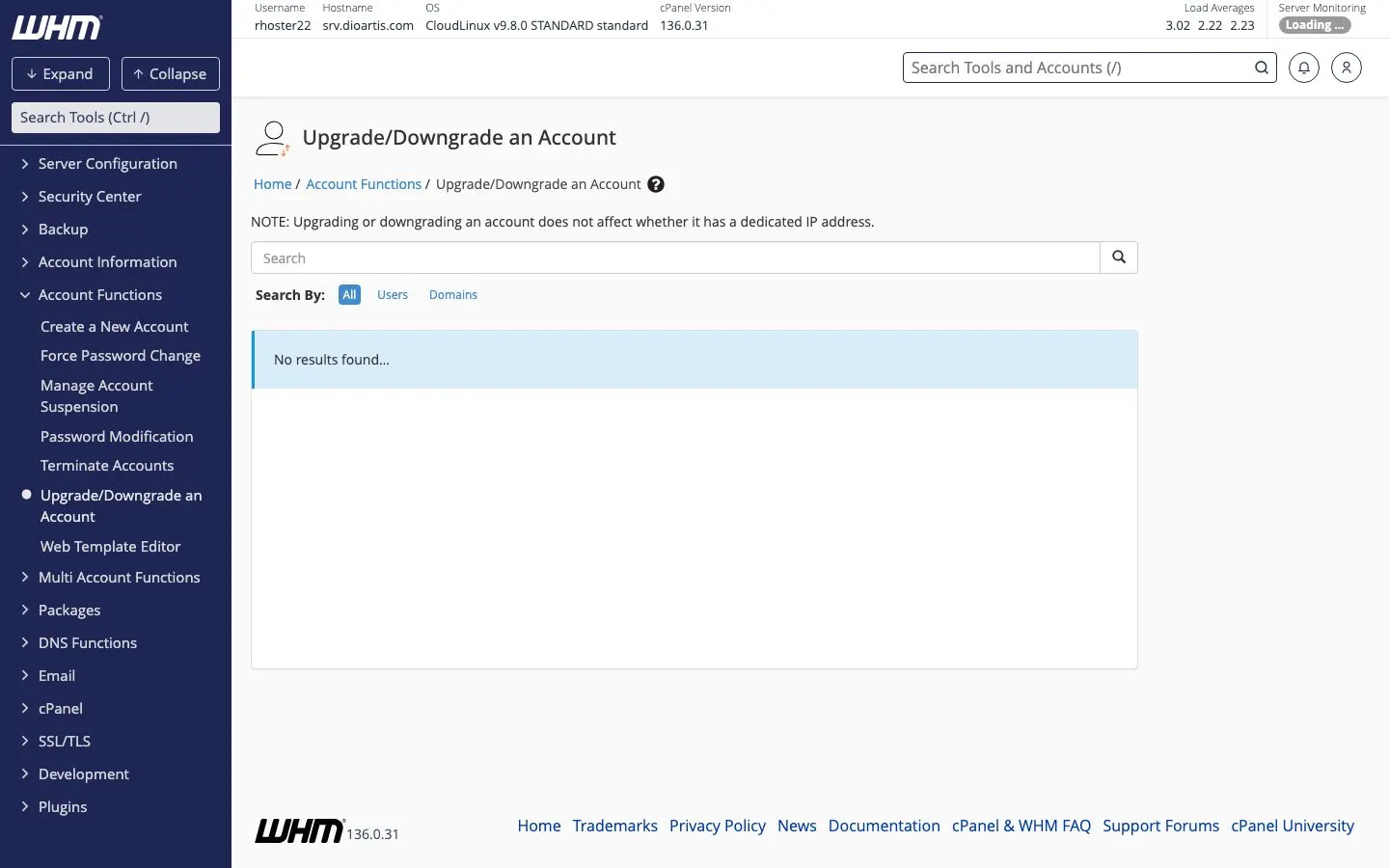
Account Information → List Accounts shows every client account. From there (or Account Functions) you can change passwords, suspend, terminate, or Upgrade/Downgrade an Account.
Send details to the client
Send the cPanel URL (usually https://domain:2083 or your server hostname), username, and password over a secure channel. Ask them to change the password after first login.
Note: Point the domain’s nameservers/DNS to the hosting before expecting the site to load publicly. You can still create the account first.
When to contact support
If creation fails (limits, reserved username, domain exists), copy the WHM error into a Support ticket.
Was this helpful?
Thanks for your feedback!