What this solves
You want named plans (e.g. Starter, Pro) with different disk, bandwidth, and feature limits before you create client accounts.
Open WHM
Client Area → your Reseller service → Log in to WHM.
Add a Package
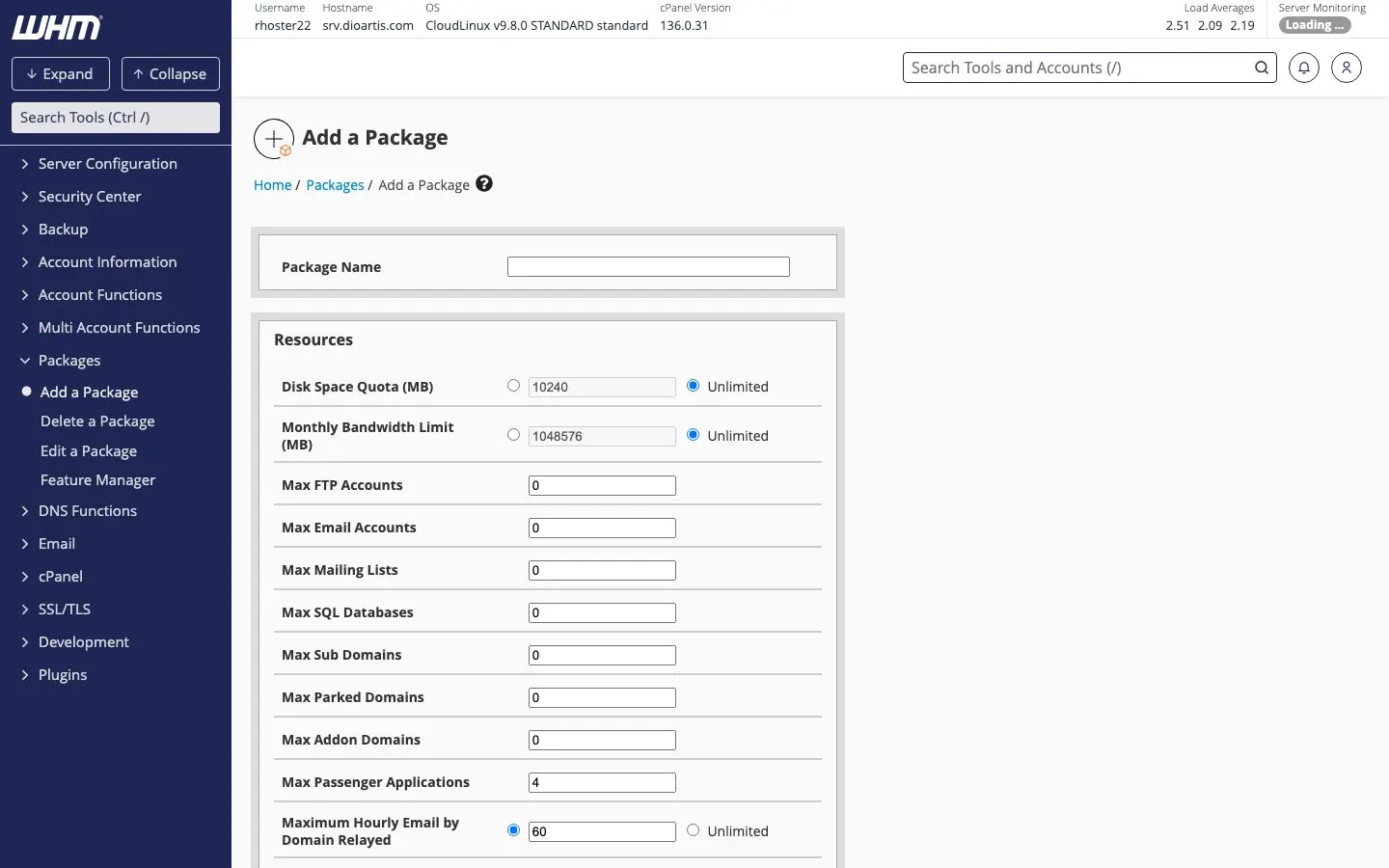
- In WHM open Packages → Add a Package
- Set Package Name (letters/numbers; this name appears when creating accounts)
- Set quotas: disk, bandwidth, max email accounts, databases, addon domains, subdomains, parked domains, FTP accounts, etc.
- Save the package
Edit later
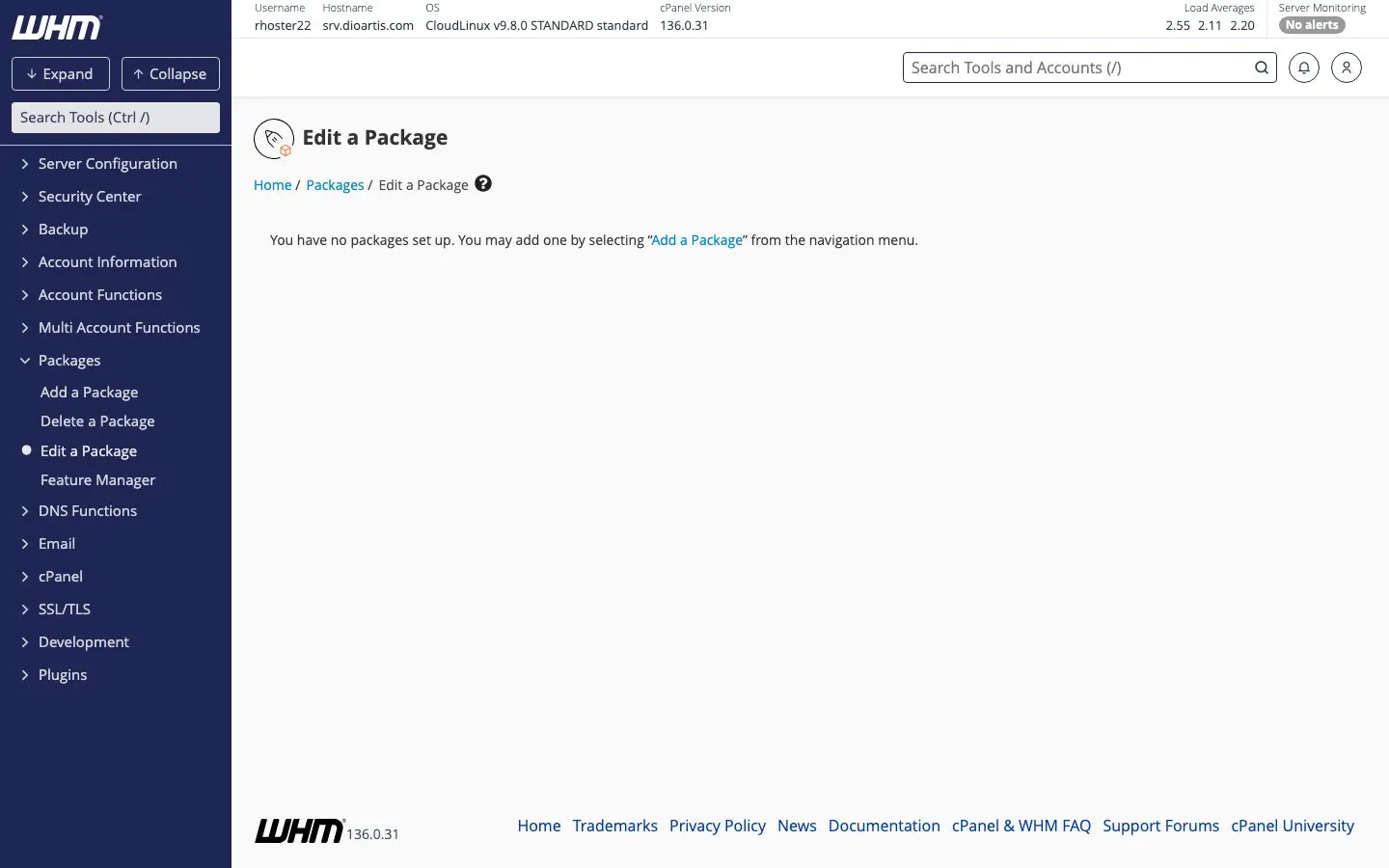
Use Packages → Edit a Package to change limits. Existing accounts keep the old limits until you upgrade/downgrade them.
Tip: Keep a small set of packages that match what you sell. Avoid “unlimited everything” — soft caps reduce abuse risk.
Note: Package totals across clients cannot exceed your reseller plan resources.
When to contact support
If Add a Package is missing or you need higher reseller limits, open a ticket.
Was this helpful?
Thanks for your feedback!