

What this solves
You want clients to see your company details (and contact paths) instead of generic host branding where WHM allows it.
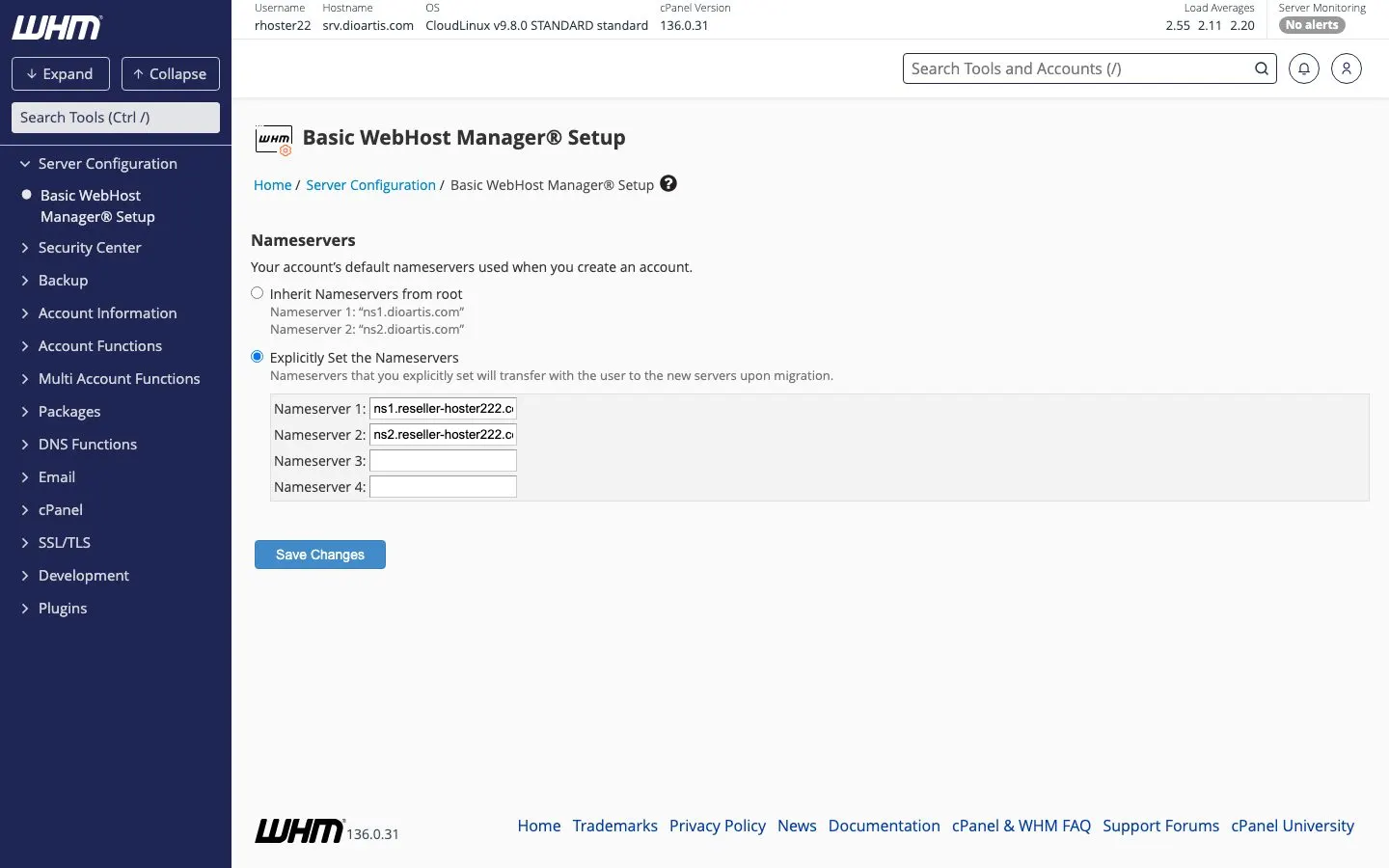
Basic WebHost Manager Setup
Client Area → Reseller → Log in to WHM → Server Configuration → Basic WebHost Manager® Setup. Set contact emails, nameserver hostnames (if your plan includes custom NS), and related defaults.
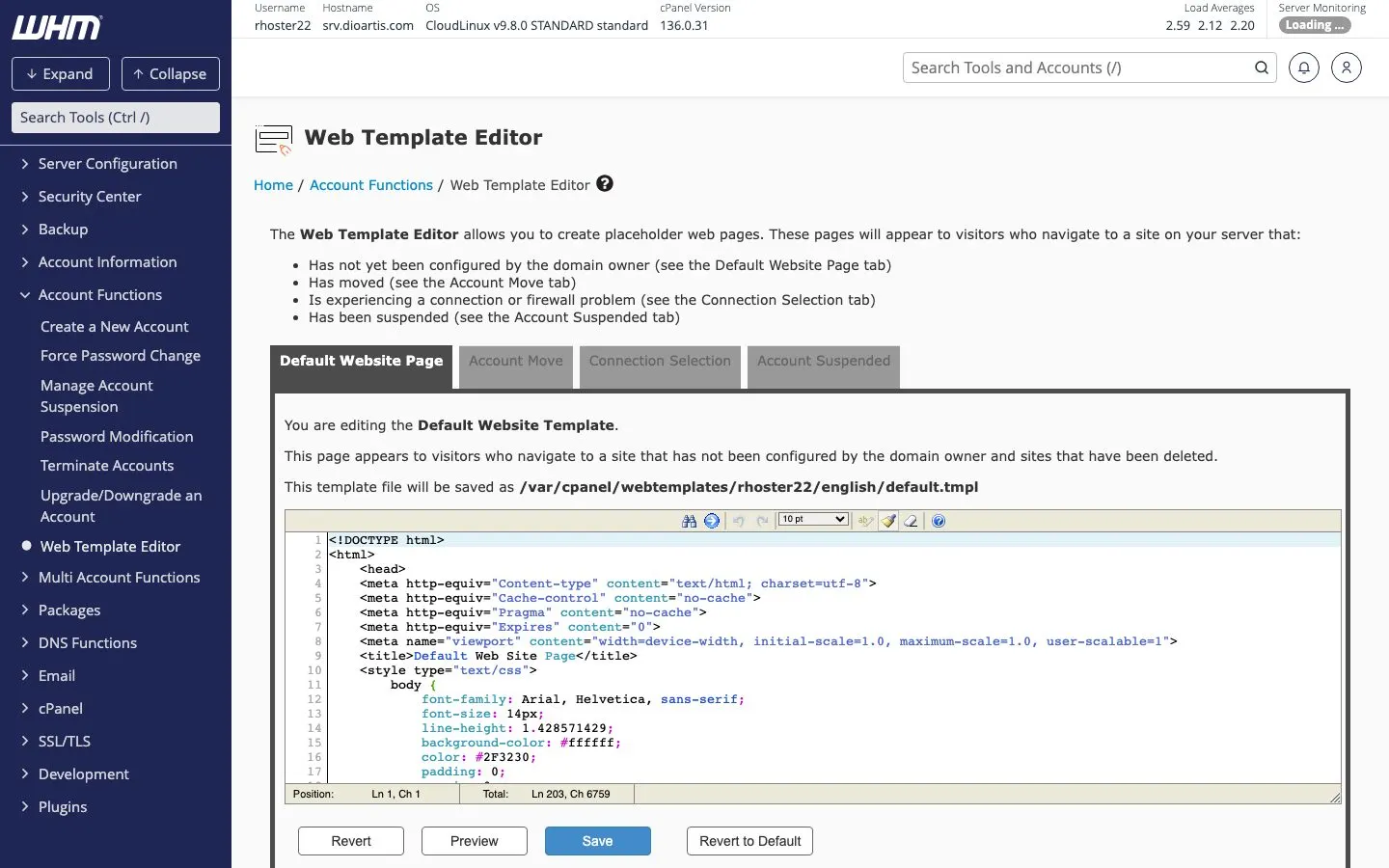
Web Template Editor
Under Account Functions → Web Template Editor you can customize default page content new accounts receive (useful for a branded parked/default page).
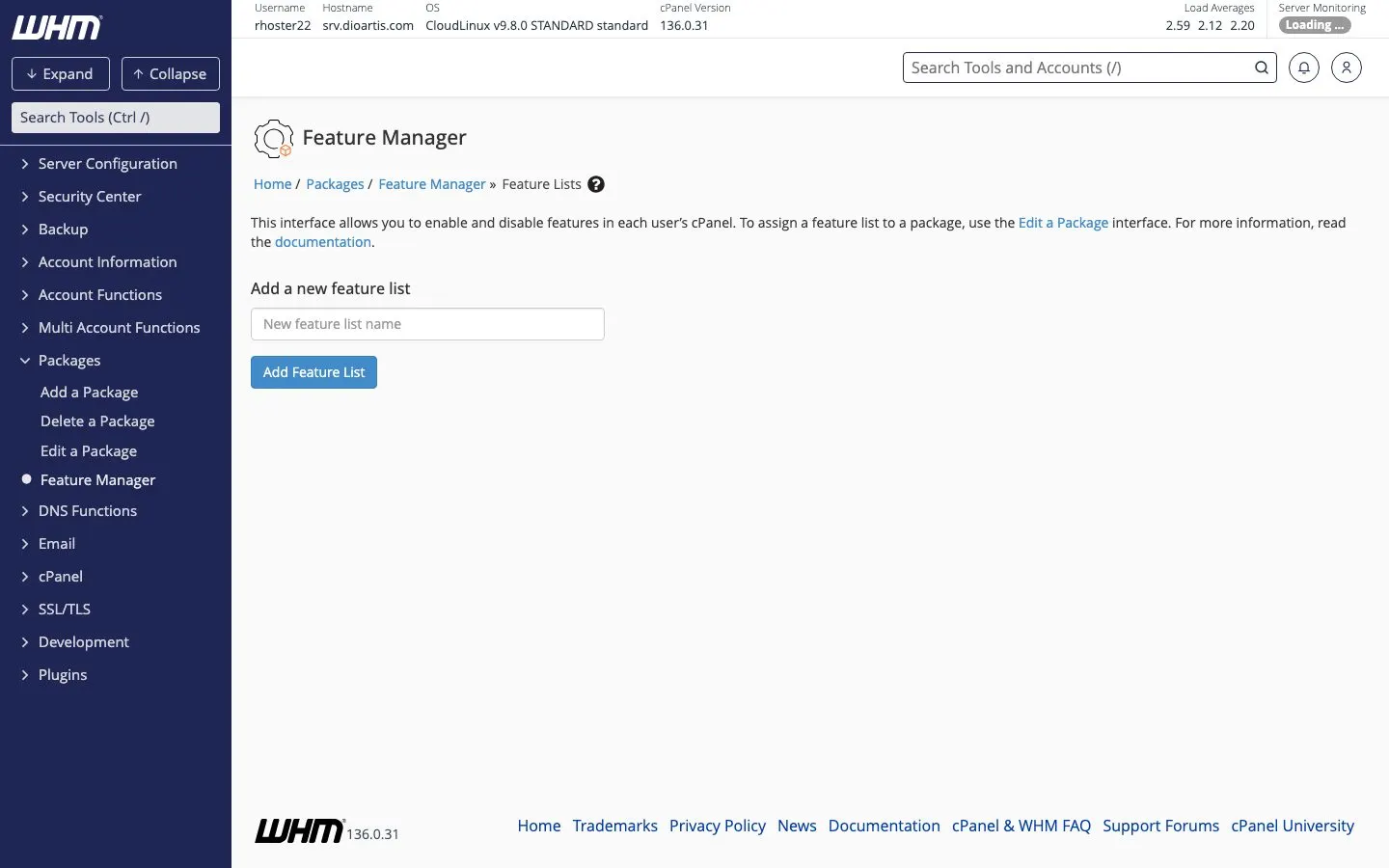
Feature Manager
Packages → Feature Manager controls which cPanel icons/features each feature list includes. Assign a feature list when defining packages so client panels match what you sell.
When to contact support
For private nameservers or branding options not visible in your WHM, open a ticket or contact Sales.
Was this helpful?
Thanks for your feedback!