What this solves
You want a clear picture of backups on iHoster24 — what’s automatic, what you control, and how restores work.
Web hosting (cPanel)
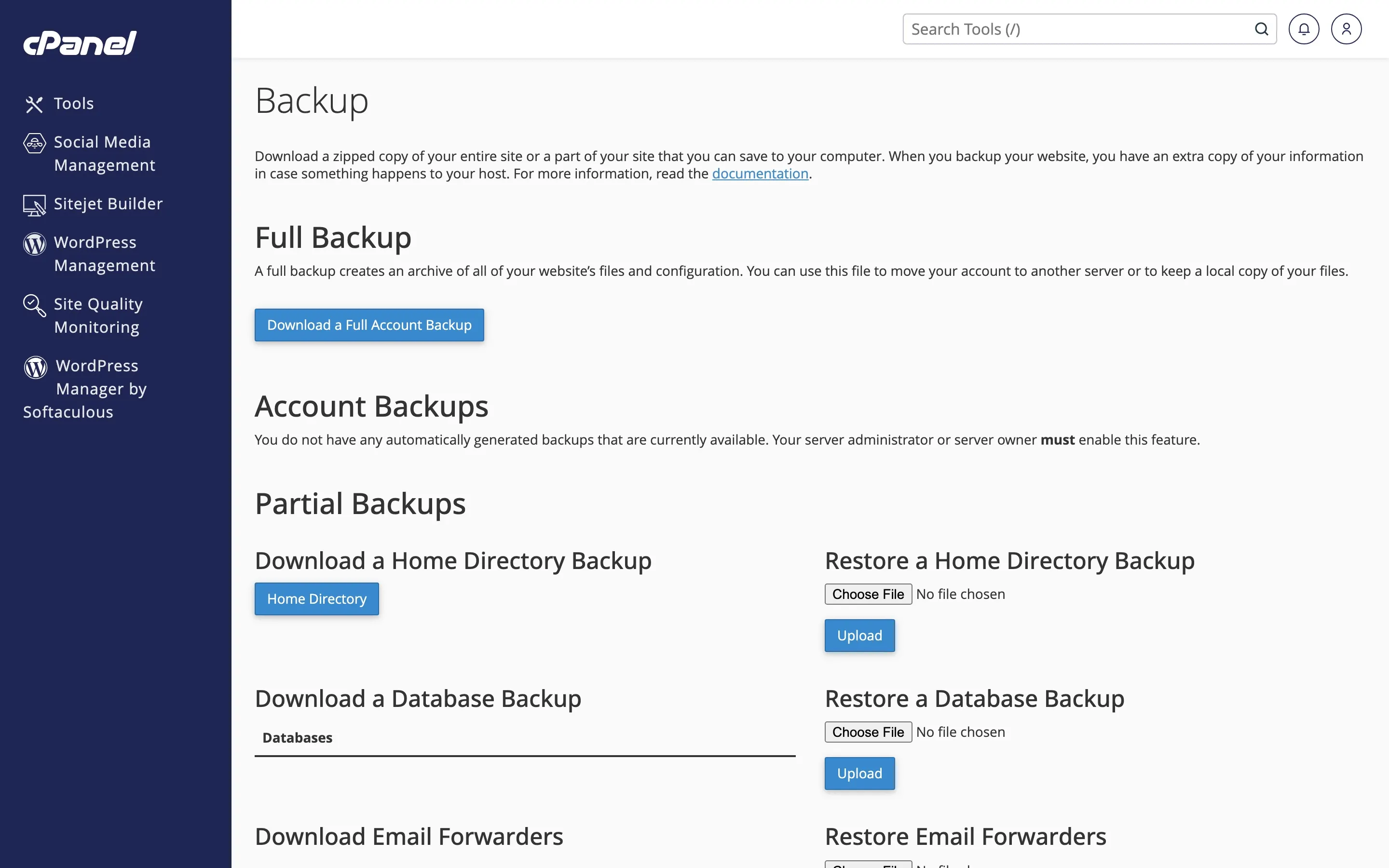
Shared/web hosting includes platform backups (see product pages: weekly backups). Retention and restore windows depend on the plan. You should also create your own copies in cPanel:
- Backup / Backup Wizard — full or partial downloads
- File Manager / FTP for files; phpMyAdmin export for databases
Step-by-step: How to create and restore backups.
VPS
VPS backups are managed in Virtualizor Enduser Panel → Backup (create/restore before risky changes). Platform disk images are not a substitute for off-server copies of critical app data. Guide: VPS backups.
Requesting a platform restore
Open a Support ticket. Include: product name/service ID, approximate date/time, and scope (full account, public_html, one database, or specific paths). We’ll confirm whether a copy exists for that window, then restore. Restores can overwrite live data — we’ll confirm before proceeding.
When to contact support
For restore requests, or to confirm retention for your exact plan, open a ticket.
Was this helpful?
Thanks for your feedback!