

What this solves
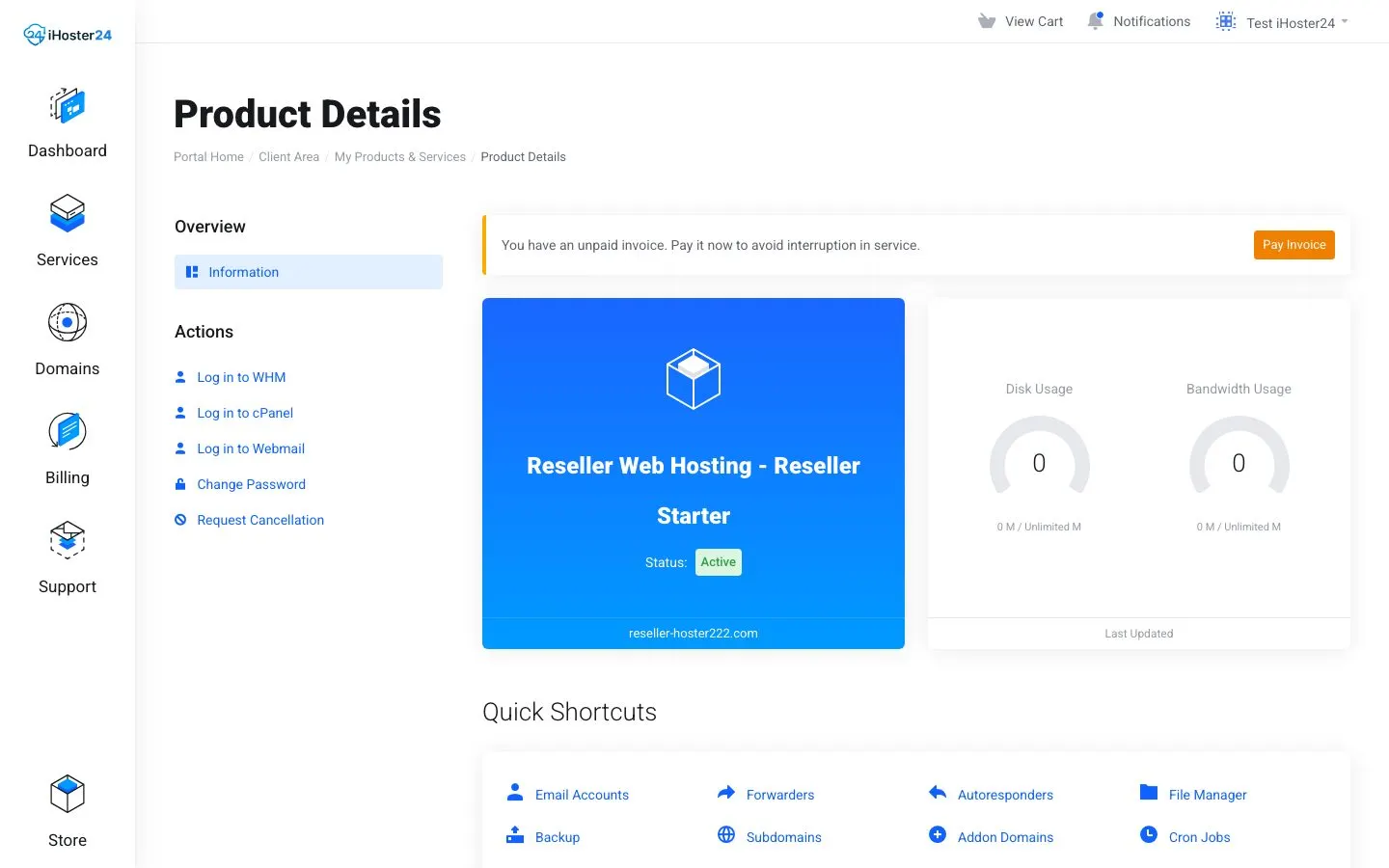
iHoster24 invoices your Reseller service in the Client Area. You invoice your end clients separately.
Two billing layers
- You → iHoster24 — pay the Reseller plan invoice under Client Area → Billing → My Invoices so the reseller stays Active
- Your clients → you — your prices, cycles, and payment methods
Tools
Use WHMCS, Blesta, Stripe invoicing, or manual invoices. Many billing panels can call WHM APIs to create accounts on payment and suspend on failure.
Enforce non-payment in WHM
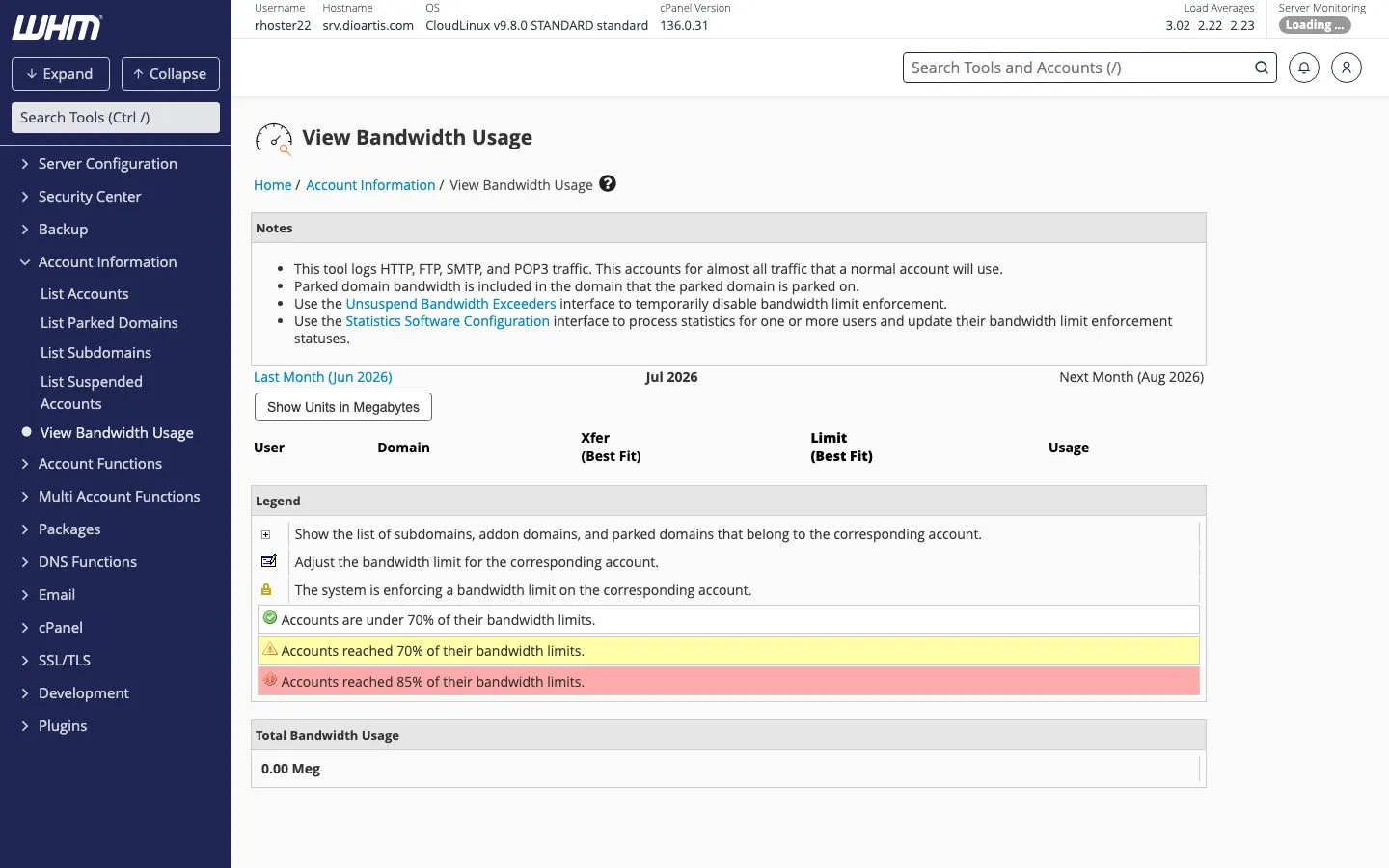
WHM → Account Functions → Manage Account Suspension (or List Accounts) to suspend clients who do not pay. Unsuspend after payment. Track usage under View Bandwidth Usage.
Tip: Price above your Reseller plan cost and include support time. Send renewal reminders before you suspend.
When to contact support
We support your reseller service and server. End-client billing software setup is yours — we can still advise if a WHM suspend/create API call fails.
Was this helpful?
Thanks for your feedback!