What this solves
You need one or more email addresses on your domain (e.g. info@yourdomain.com). This guide shows how to create them in cPanel.
Step 1: Open Email Accounts
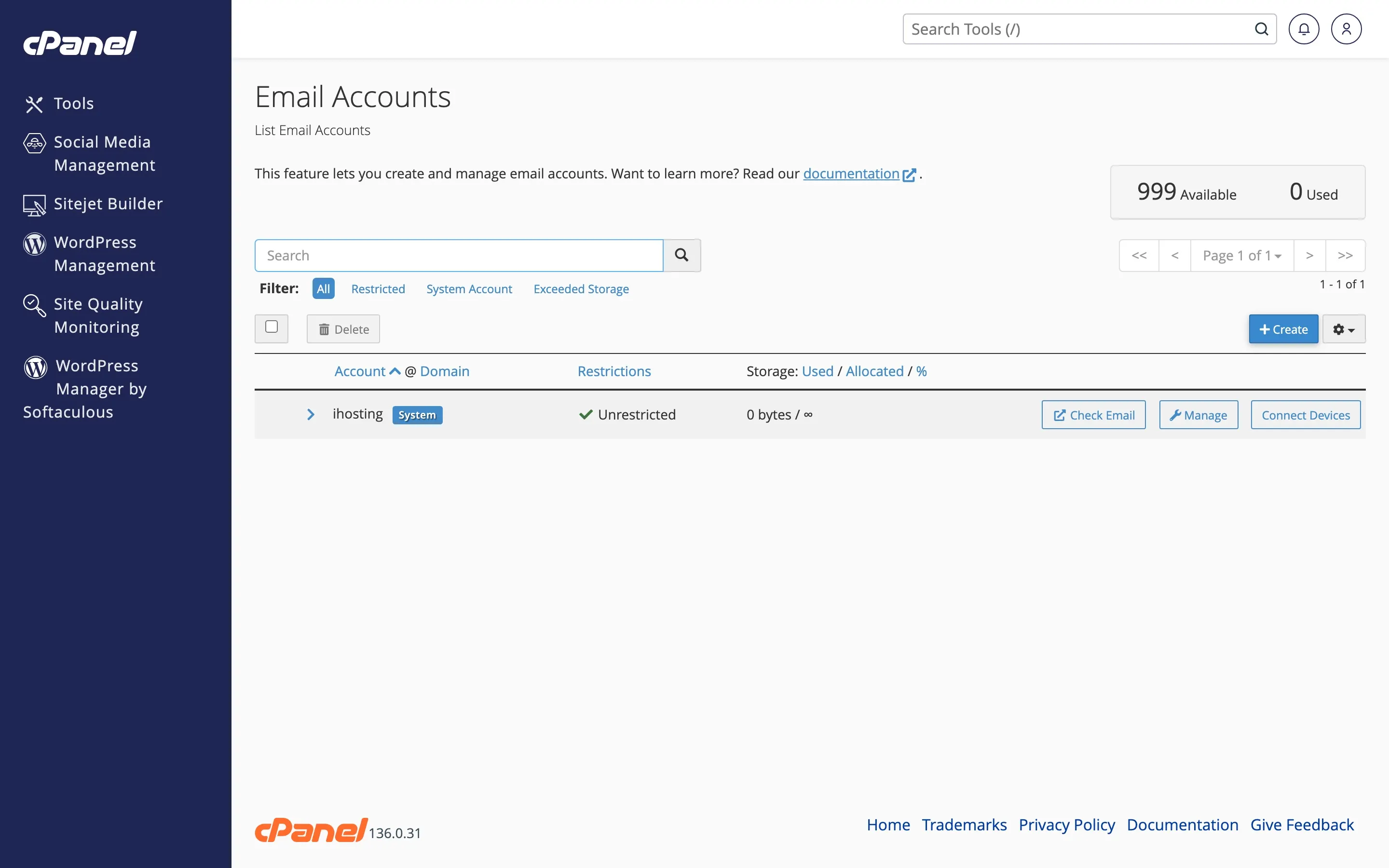
Log in to the Client Area → Services → your web hosting → Log in to cPanel (or use the Email Accounts Quick Shortcut). Open Email Accounts.
Step 2: Create account
Click Create. Enter the local part (e.g. info, support) and choose the domain. Set a strong password (or generate one). Set the storage quota if needed. Click Create.
Step 3: Access email
Use Check Email / Webmail from cPanel, or set up a desktop/mobile client — see Setting up email on Gmail, Outlook, iPhone, Android. Username is the full address; server is usually mail.yourdomain.com.
When to contact support
If you hit account or storage limits, or can’t connect from a client, open a ticket. Also see Email not sending or receiving.
Was this helpful?
Thanks for your feedback!