What this solves
You want to add a subdomain (e.g. blog.yoursite.com or shop.yoursite.com).
In cPanel
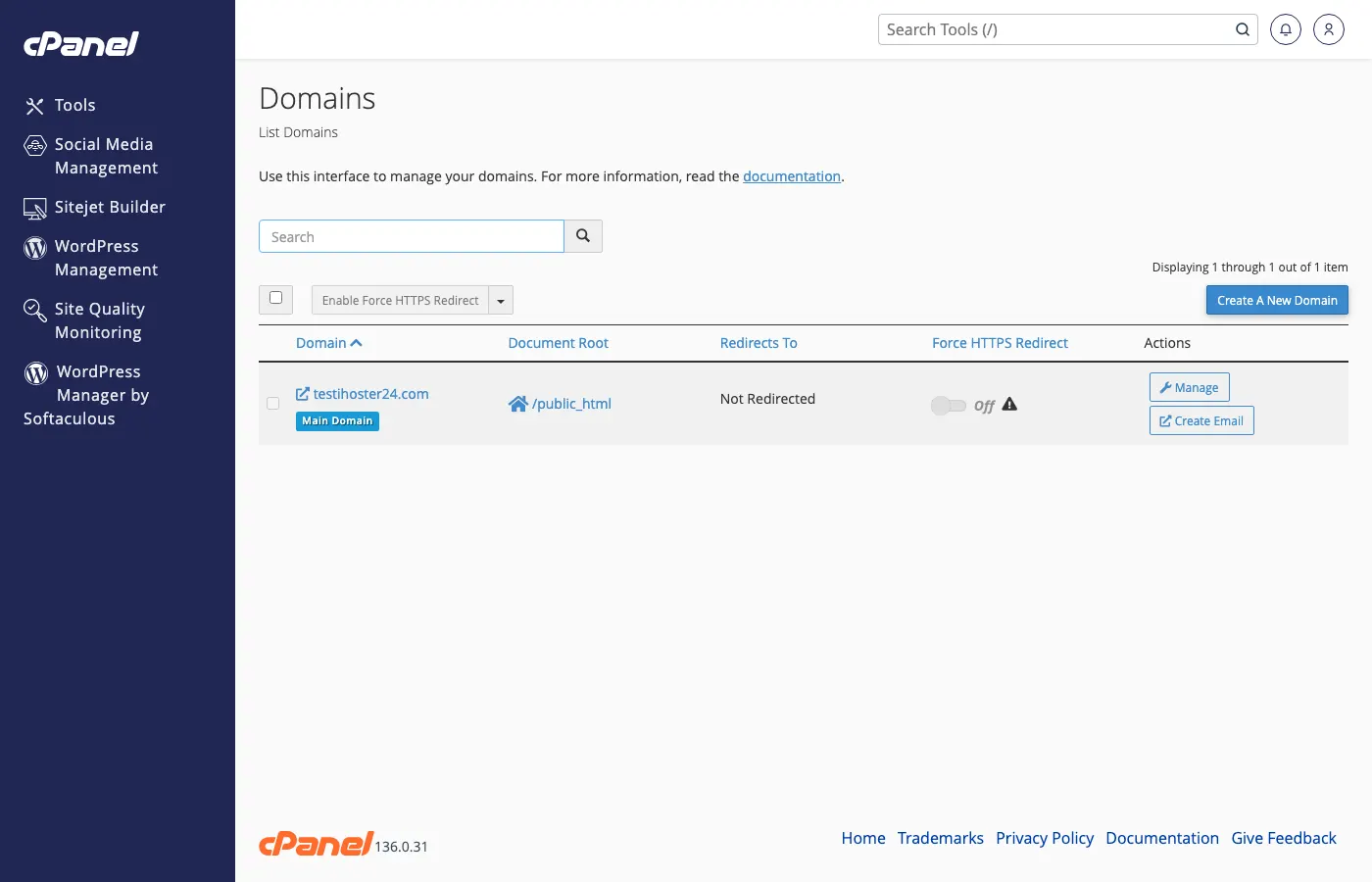
Log in to the Client Area → Services → your hosting → Log in to cPanel. Open Domains (or search for Domains / Subdomains). Create the subdomain (e.g. blog), choose the document root if needed, and save. DNS is usually created automatically when you use our nameservers.
Via DNS only
If the subdomain should point elsewhere, add an A or CNAME in Zone Editor — see Where to find your DNS records.
After creating
Upload files to the subdomain’s document root via File Manager or FTP. Allow a few minutes for DNS to propagate.
Note: Wildcard subdomains (*.yoursite.com) need a wildcard DNS record and matching server config.
When to contact support
If the subdomain doesn’t resolve or you need a wildcard, open a ticket.
Was this helpful?
Thanks for your feedback!