

Why SPF and DKIM matter
SPF and DKIM help receiving servers verify that your mail is legitimate. Without them, messages are more likely to land in spam.
Open Email Deliverability
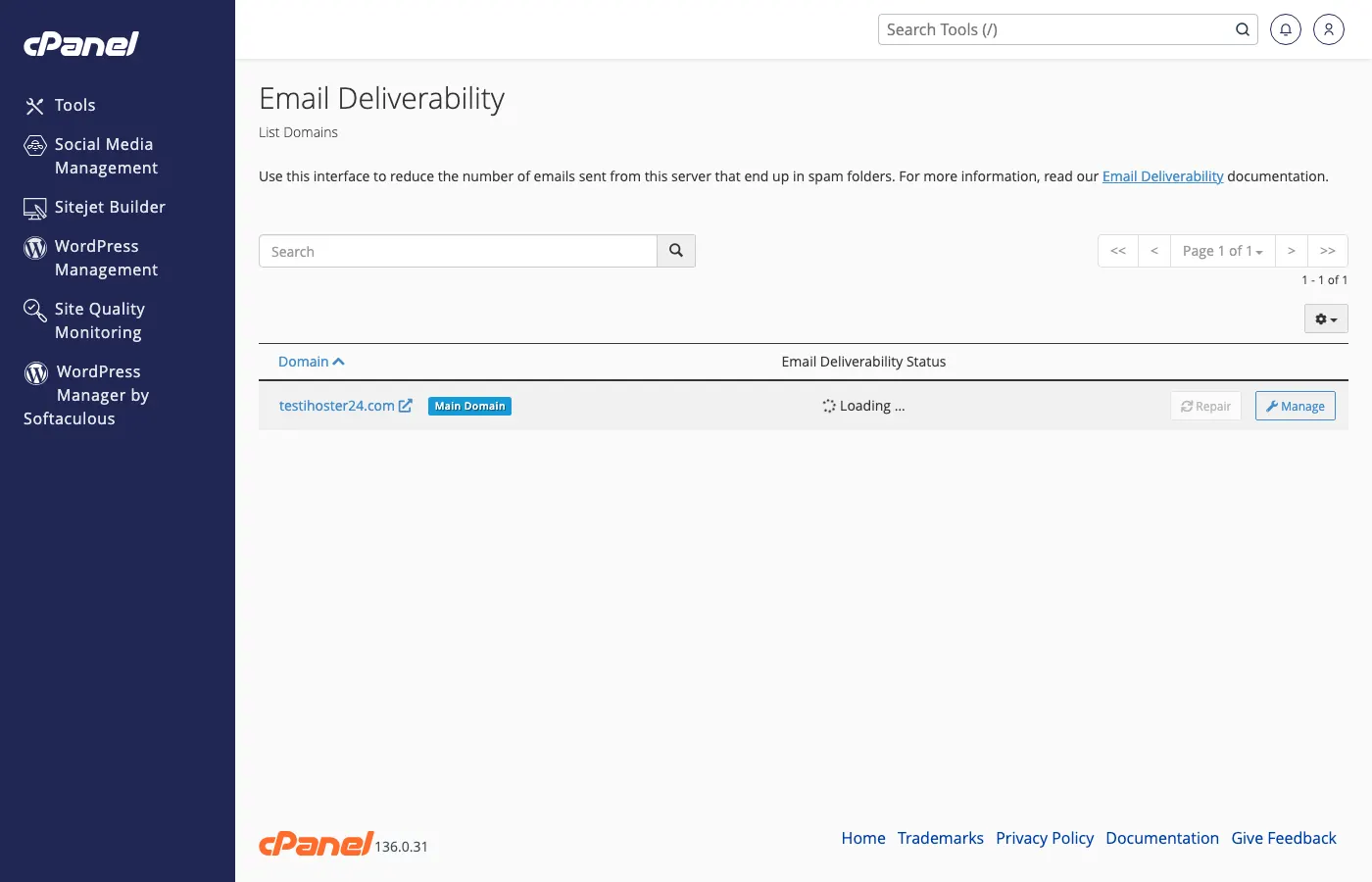
Log in to the Client Area → Services → your web hosting → Log in to cPanel. Open Email Deliverability (under Email). Select your domain to see SPF and DKIM status.
Enable / repair SPF and DKIM
On the domain row, use Repair or Manage so cPanel installs the recommended SPF and DKIM TXT records in Zone Editor. Keep a single SPF TXT record per domain (combine includes if needed).
After enabling
Wait for DNS propagation (often minutes; up to 24–48 hours). Send a test message and check headers for SPF/DKIM pass. Next, add DMARC. If mail still lands in spam, see How to fix emails going to spam.
Tip: Your domain must use iHoster24 nameservers (or you must copy the TXT records to your DNS host) for these records to publish.
Was this helpful?
Thanks for your feedback!