

What this solves
You want a rollback point before installing a control panel, upgrading packages, or changing configs. Use the Virtualizor Backup tools from Enduser Panel.
Open backups
- Client Area → your VPS → Enduser Panel
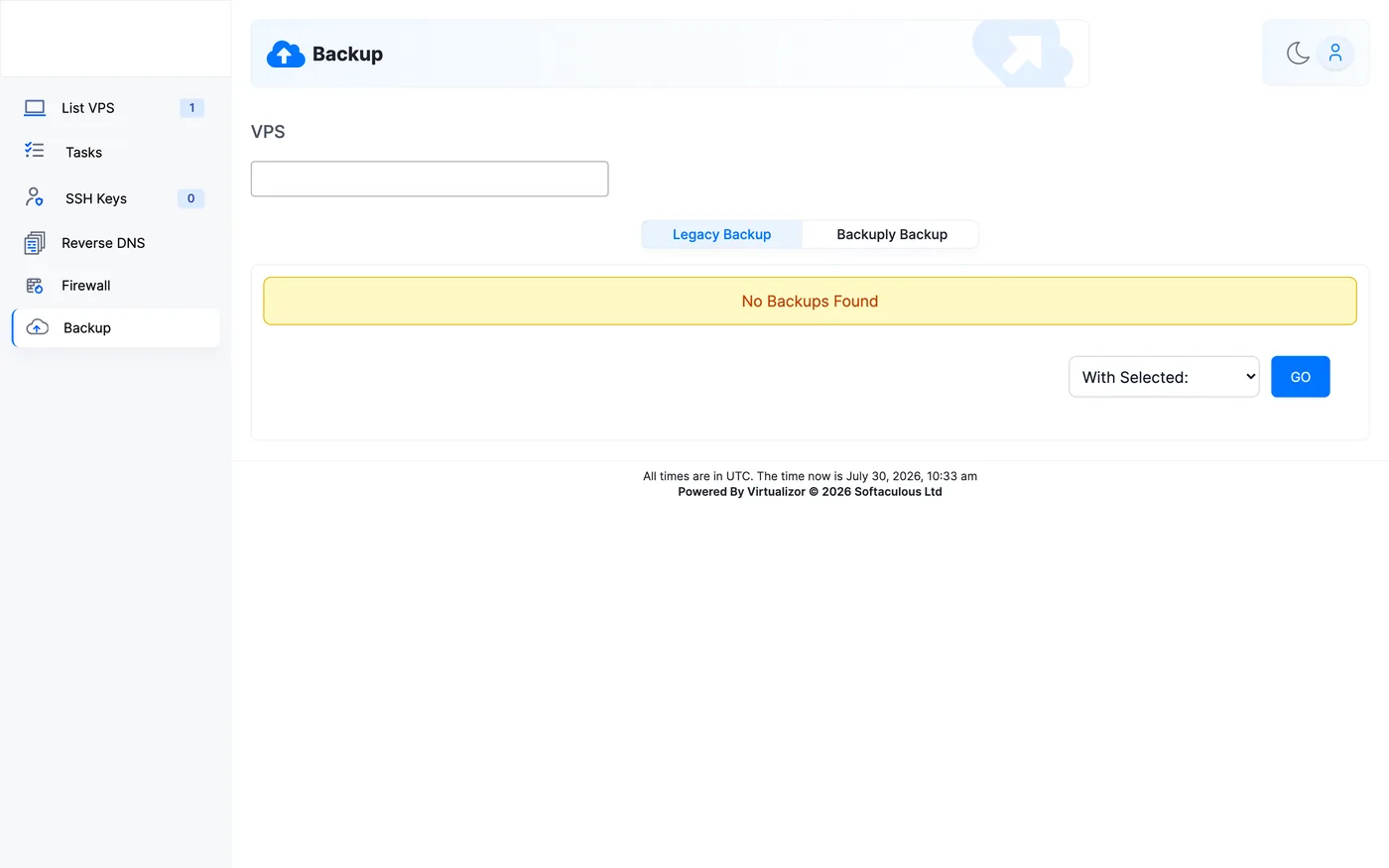
- In the left menu open Backup
- Create a backup and wait until the job finishes before making big changes
Restore
From the same Backup page, restore the backup you need. The VPS disk returns to that point — anything written after the backup is lost.
Warning: Restore overwrites the current disk. Confirm you selected the correct backup. Panel backups are not a substitute for off-server copies of critical data.
Good practice
- Back up before OS reinstall, major upgrades, and panel installs
- Keep application/database dumps elsewhere
- Delete old backups you no longer need
When to contact support
If backup create/restore fails or the VPS won’t boot after restore, open a ticket with the approximate backup time.
Was this helpful?
Thanks for your feedback!