

What this solves
Every iHoster24 VPS includes a dedicated IPv4 (Primary IP). You can order Additional IPs when you need separate services or distinct reverse DNS.
Where to find IPs
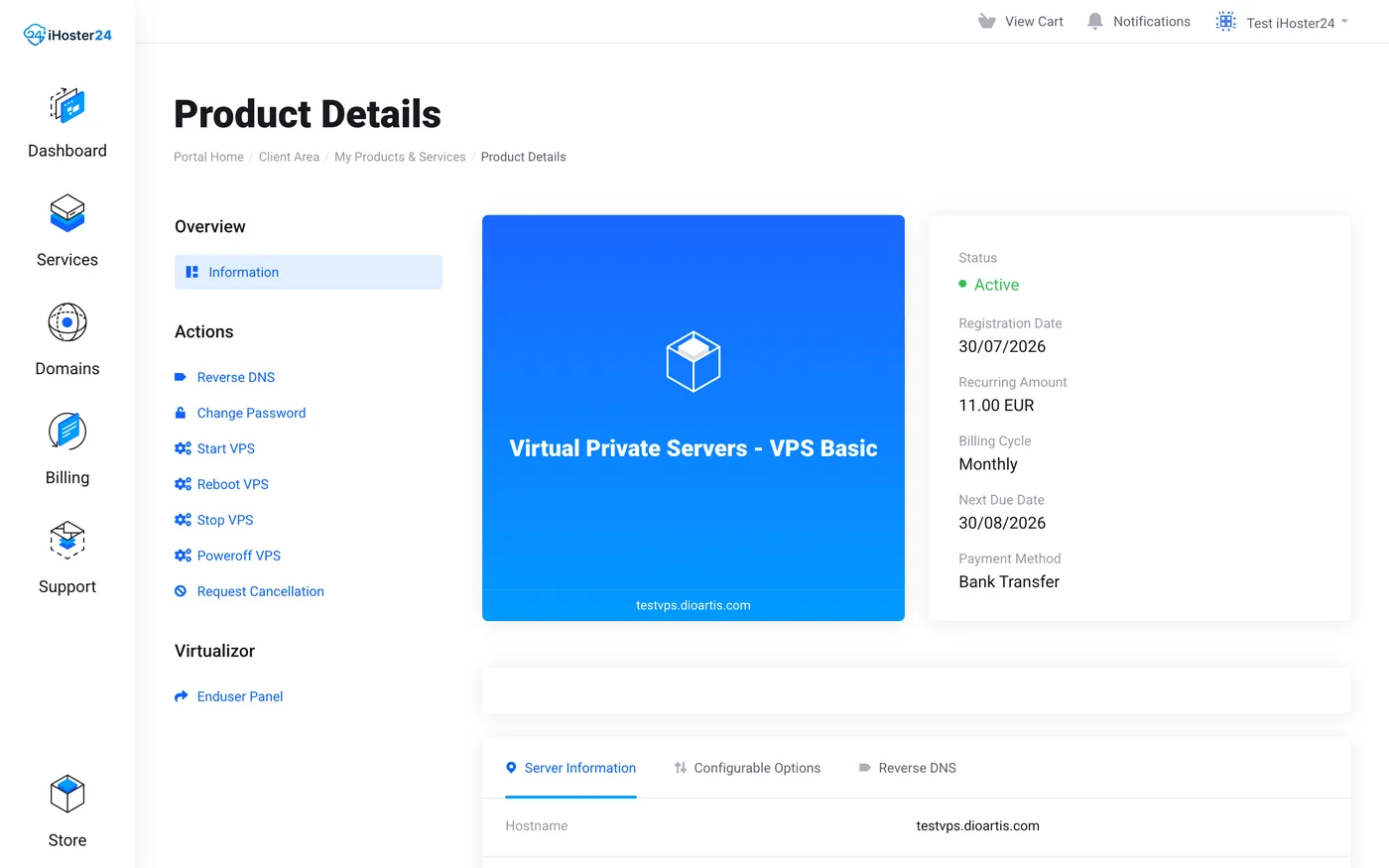
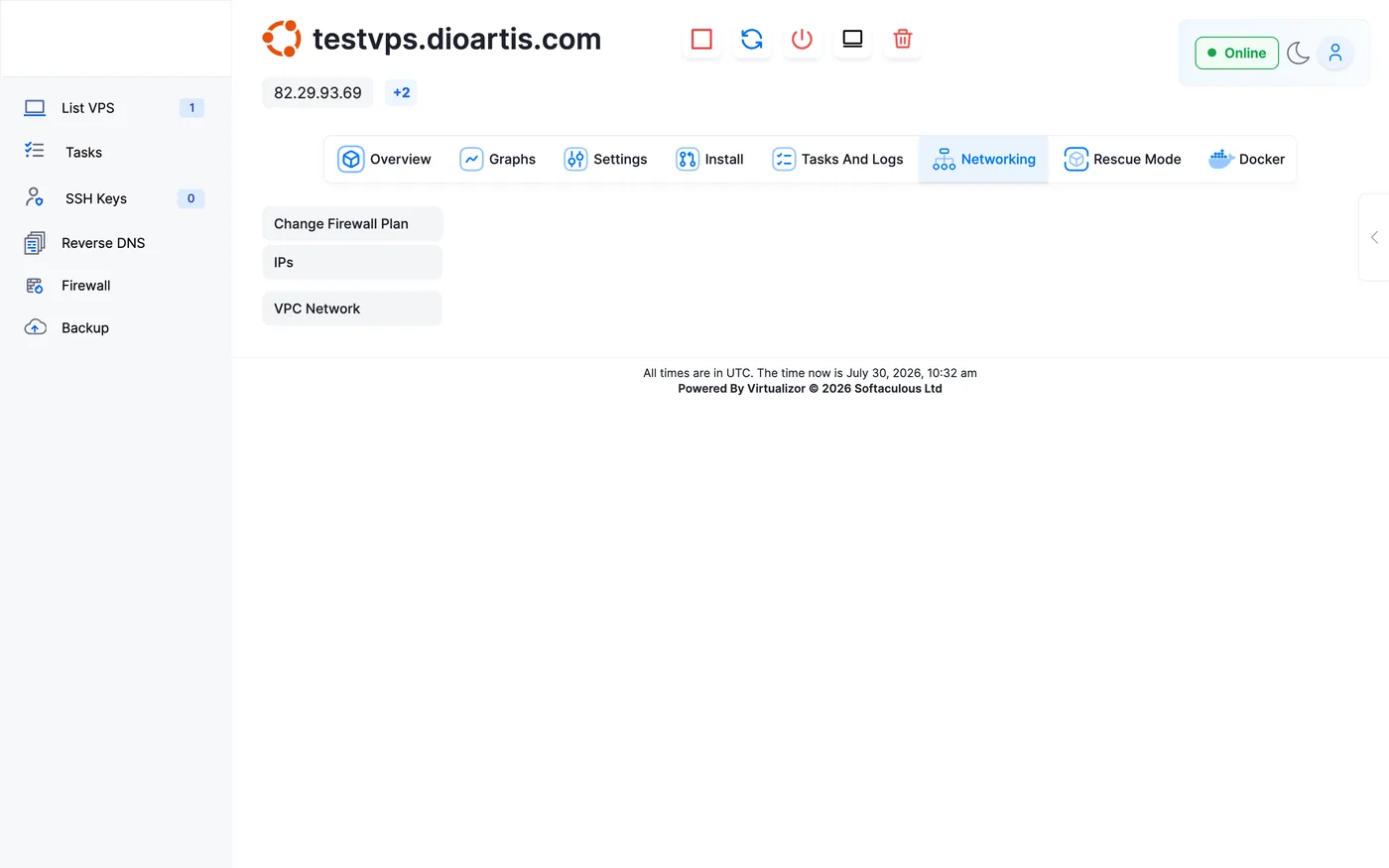
Client Area → your VPS → Server Information shows Primary IP and Assigned IPs. In Enduser Panel the hostname header shows the primary IP with a +N badge when extras exist.
Using an extra IP in Linux
Configure the address on your network interface (netplan, NetworkManager, or /etc/network/interfaces). Bind services to the correct IP. Set PTR per IP under Reverse DNS.
Tip: Order Additional IPs at purchase, or contact Sales/Support to add them later.
When to contact support
If an ordered extra IP is missing from the service page or doesn’t respond after correct OS config, open a Technical ticket.
Was this helpful?
Thanks for your feedback!