
Where DNS is managed
If your domain uses iHoster24 nameservers, edit DNS in cPanel Zone Editor:
- Log in to the Client Area → Services → My Products & Services → your web hosting plan
- Click Log in to cPanel
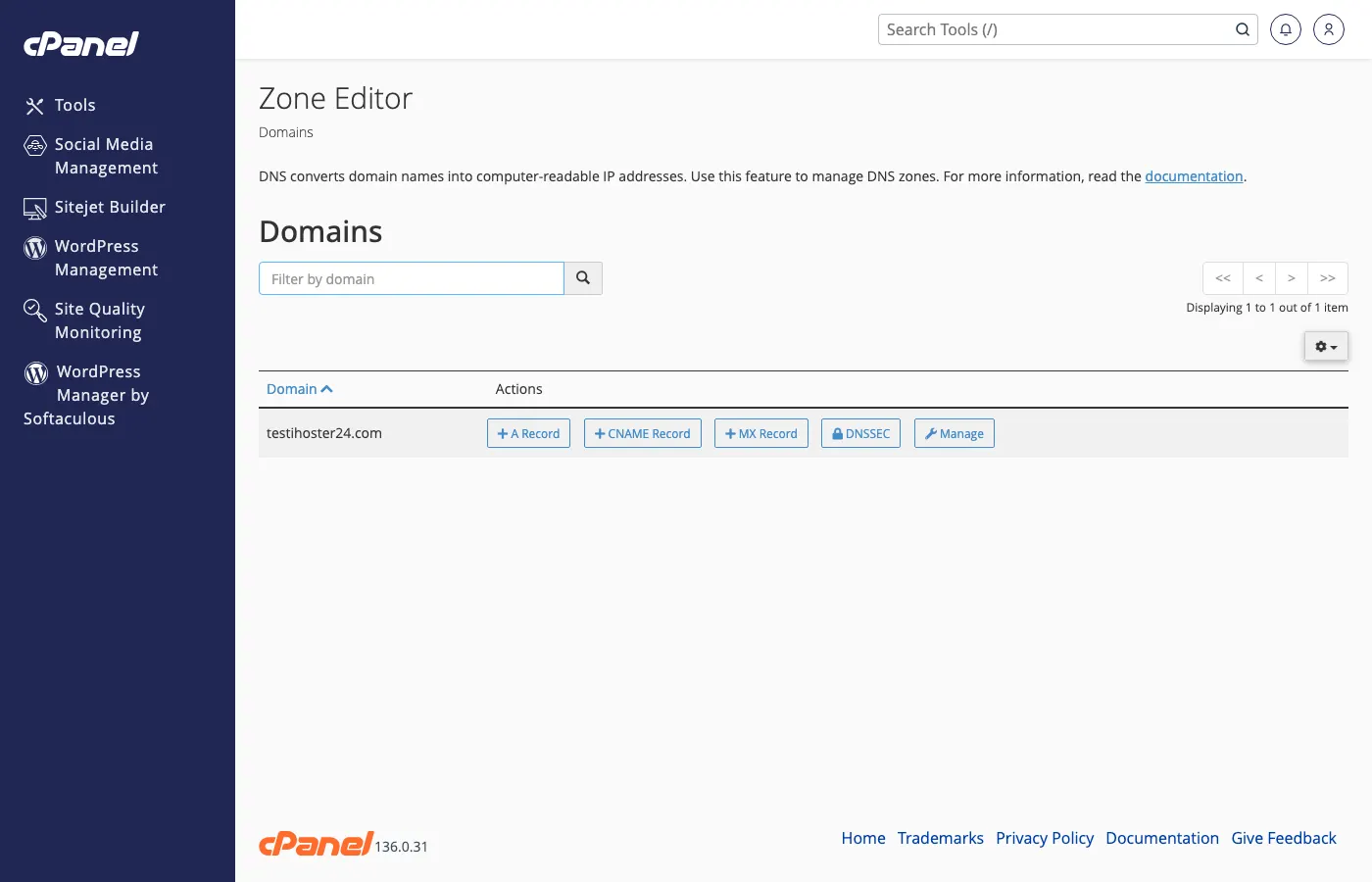
- Open Zone Editor (under Domains)
- Select the domain and add or edit records
Common record types
- A – Points the domain or subdomain to an IP.
- MX – Mail servers for receiving email.
- TXT – Verification and SPF/DKIM/DMARC text records.
- CNAME – Alias (e.g. www to the main domain).
Editing records
In Zone Editor, choose the record type, enter the name/host and value, then save. Changes usually propagate within minutes to a few hours — see DNS propagation explained.
Note: If the domain still uses another registrar’s nameservers, manage DNS there — or switch to our nameservers first. If DNS fails after a change, see DNS not resolving.
Was this helpful?
Thanks for your feedback!