What this solves
You need to restart or power off the VPS without mixing up OS commands and Client Area controls.
From Client Area Actions
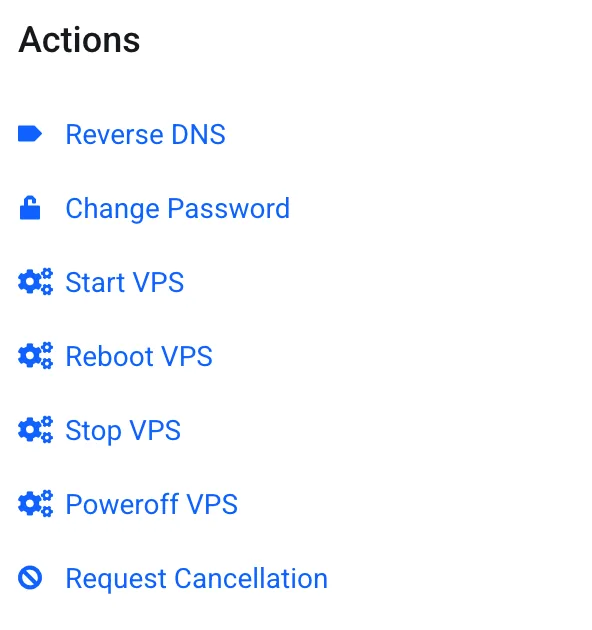
- Reboot VPS — restart the guest (prefer when the OS is still responsive enough, or when stuck)
- Stop VPS — graceful ACPI shutdown when the guest cooperates
- Poweroff VPS — hard power off (use if Stop hangs; like pulling the plug)
- Start VPS — boot after Stop/Poweroff
The same controls exist in Enduser Panel (Stop / Restart / Power Off icons). Overview: Managing your VPS in Client Area.
From SSH (preferred when the OS works)
Reboot: reboot or shutdown -r now
Shutdown: shutdown -h now or poweroff
Prefer SSH shutdown/reboot when you can log in — apps close cleanly. Use Client Area Poweroff only if SSH and Stop fail.
Note: Billing continues while the VPS is powered off — dedicated resources stay reserved.
Tip: If the guest won’t boot after Poweroff, try Start, then VNC console to watch boot messages.
When to contact support
If Start/Reboot from Client Area fails or the VPS stays offline, open a Technical ticket with the service ID and what you already tried.
Was this helpful?
Thanks for your feedback!