What this solves
You want a new root password for security, or you forgot the current one.
While logged in as root (SSH)
Run passwd, enter the new password twice, and update any password managers or deploy scripts.
From Client Area
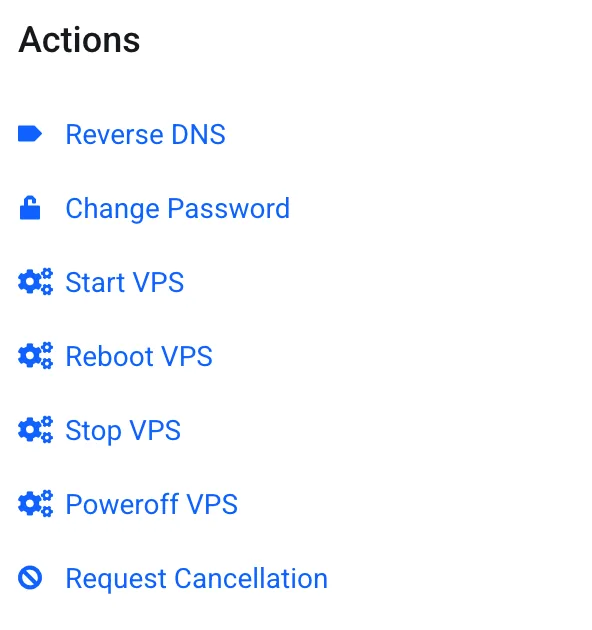
Open Client Area → Services → your VPS. Under Actions, click Change Password, set a strong password, and confirm. Reboot if the panel asks you to.
Note: This is the VPS root/service password — not your Client Area login. Client Area password is under your account menu → Change Password.
If you are locked out of SSH
- Open VNC / Console from Client Area / Enduser Panel and log in locally if the OS still accepts the old password
- If SSH is blocked by firewall or
sshd_config, fix it from console, then test SSH again - If you don’t know any password: use Actions → Change Password, then reboot and try console/SSH with the new one
- Last resort: reinstall the OS (destroys disk data) after taking any recoverable backups
Tip: Prefer SSH keys and disable password login only after keys and VNC recovery are verified — How to secure your VPS.
When to contact support
If console access fails, Change Password doesn’t take effect, or you need a forced reset, open a Technical ticket with the service ID.
Was this helpful?
Thanks for your feedback!